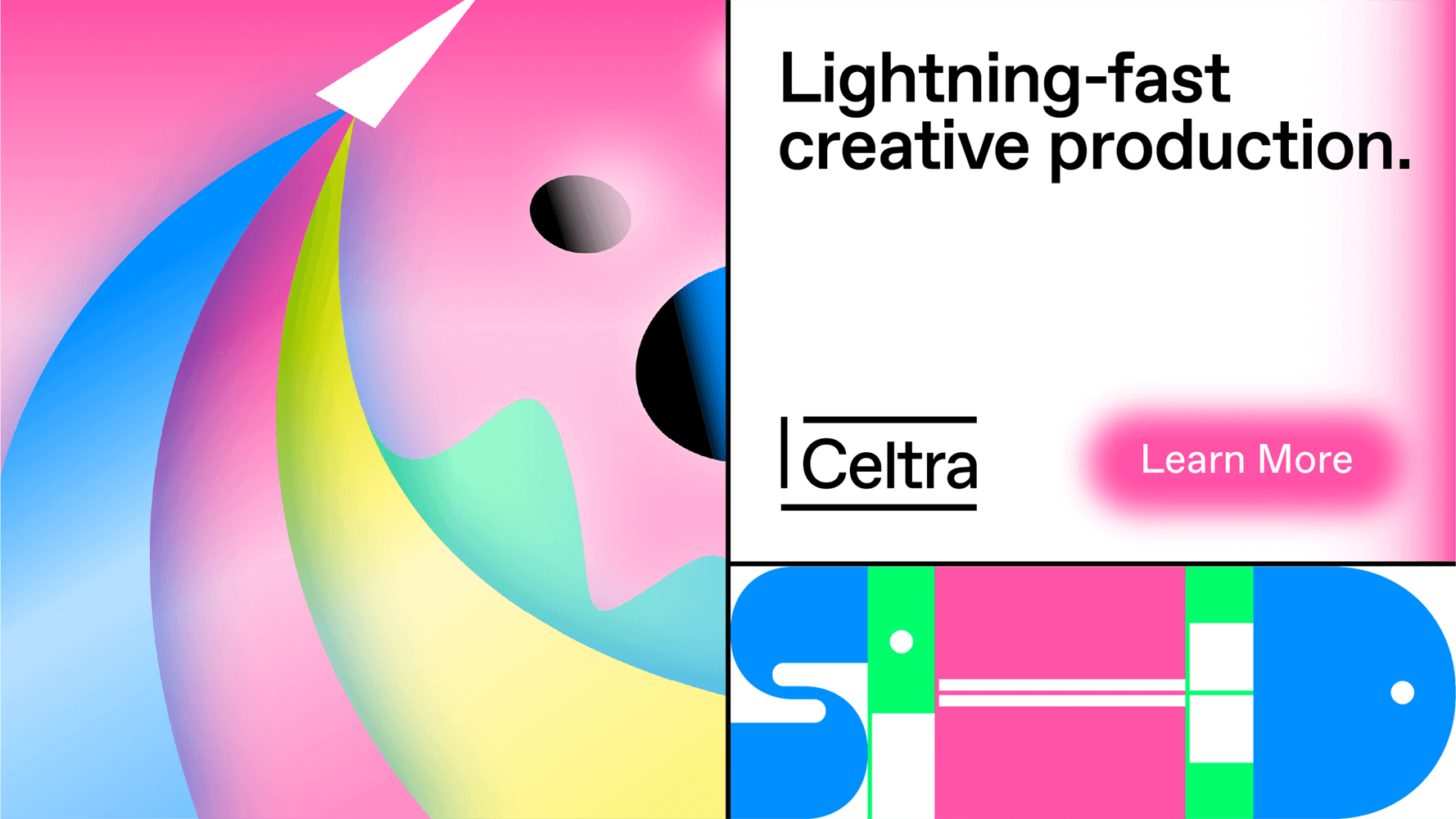
Brand architecture

Celtra Logo

A primary communication element.
Celtra Symbol

Used for limited sizes and social media avatars.
CA & CE Logos

Pairs Celtra logo with its products.
CA & CE Symbol

Used for limited sizes on products.
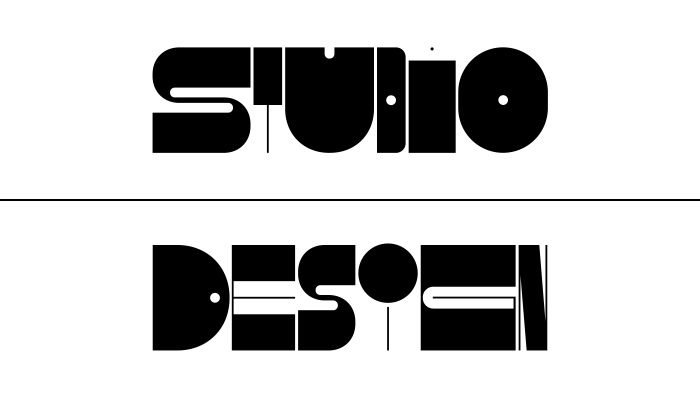
Internal Teams

Departments can have their own distinct wordmark.
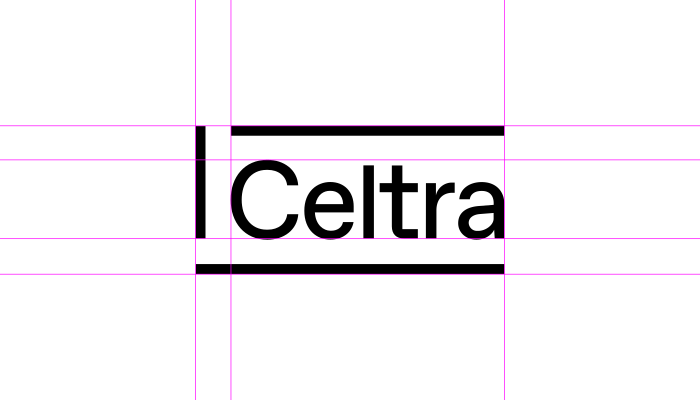
Logo construction

The Celtra logo represents a frame based on the grids that form the visual identity. It’s carefully constructed to maintain its ownable characteristics while allowing a high degree of legibility at any size on any application.

Logo position
The primary logo position is in the top or bottom left section of the application.
When the logo is the sole element of the application, it can be placed in the center.
Preferably, the logo sits on a white or black background. Applications with a colorful contrast background are also viable.
Logo lock-up in partnerships
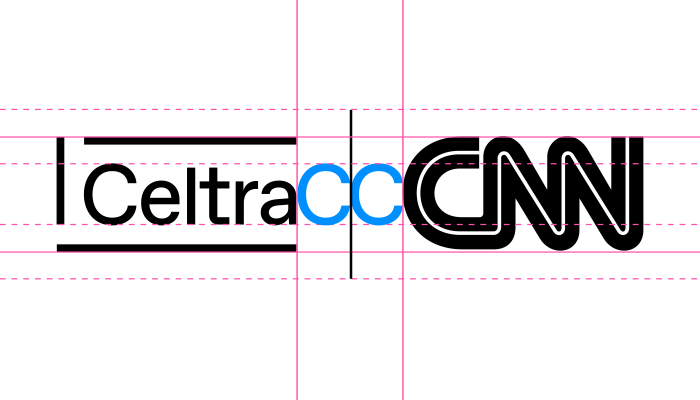
Horizontal lock-up
A primary lock-up for partnerships. The dotted line limits the minimum and maximum height of the partner logo.
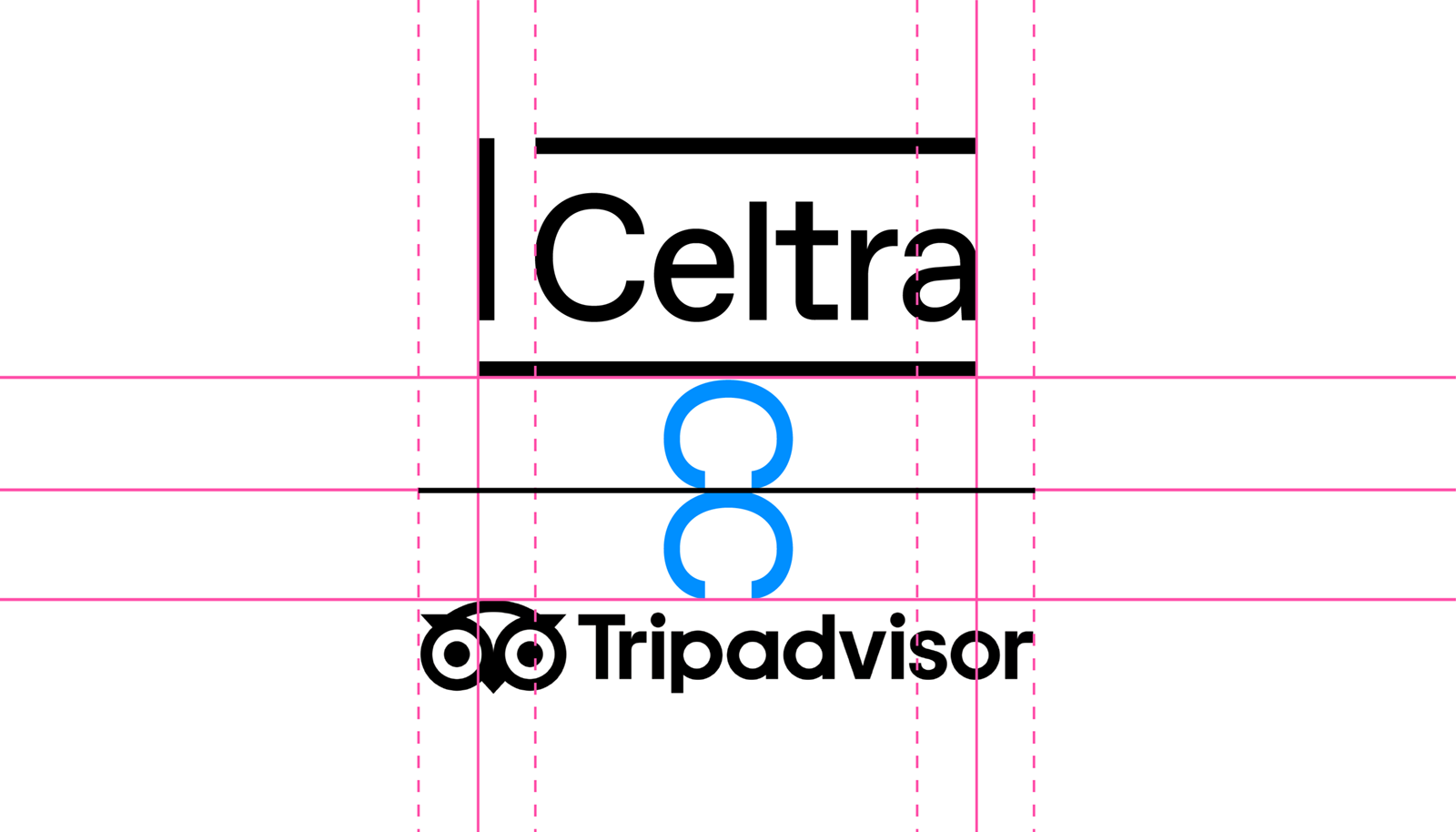
Vertical lock-up
A secondary lock-up for partnerships. The dotted line limits the minimum and maximum width of the partner logo.
No lock-up
In some cases, there is no need for the logo, mostly because the “brand” will appear internally, such as teams or events.
Logo in various sizes

The logo is designed to scale to small sizes on print and screen.

Smallest size: 20 pixels / 0.3 inch / 8 mm height.
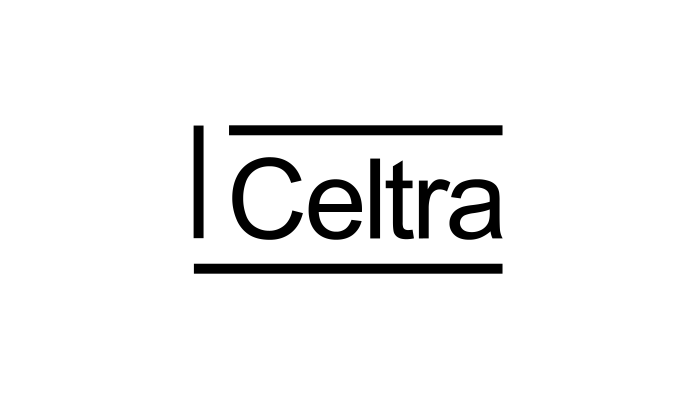
Forbidden use of the logo
Don’t type out Celtra in other weights or fonts.
Don’t stretch or manipulate the logo.
Don’t type out Celtra in all caps or no caps.
Don’t use the logo without its frame.
02 Composition & Grid

A flexible grid is one of the critical elements of identity.
Main grid rules
The grid adapts to your content.

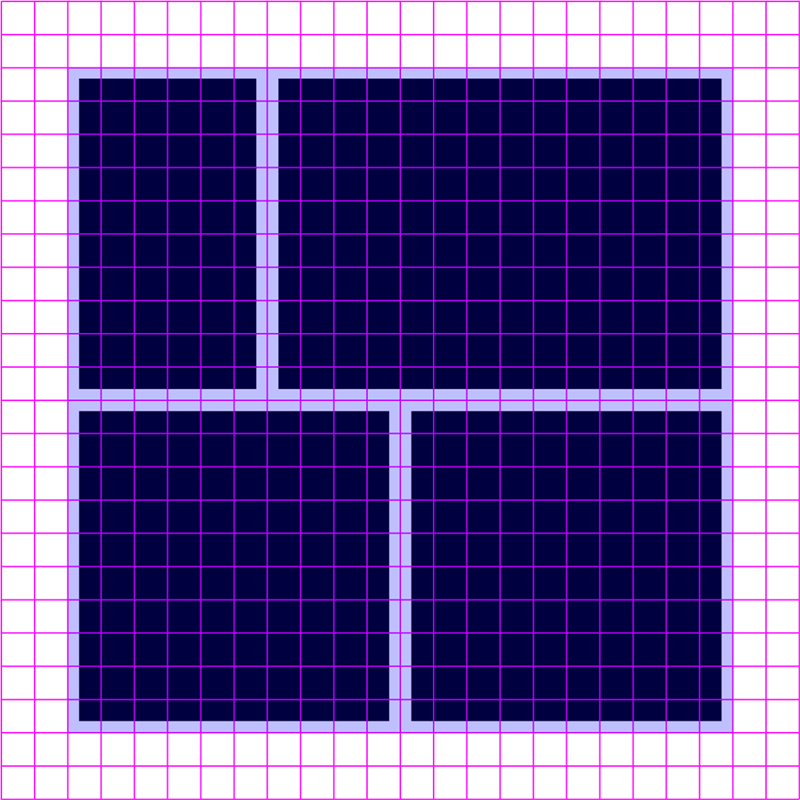
The grid should be kept simple. Its aim is to help you organize content clearly and logically.
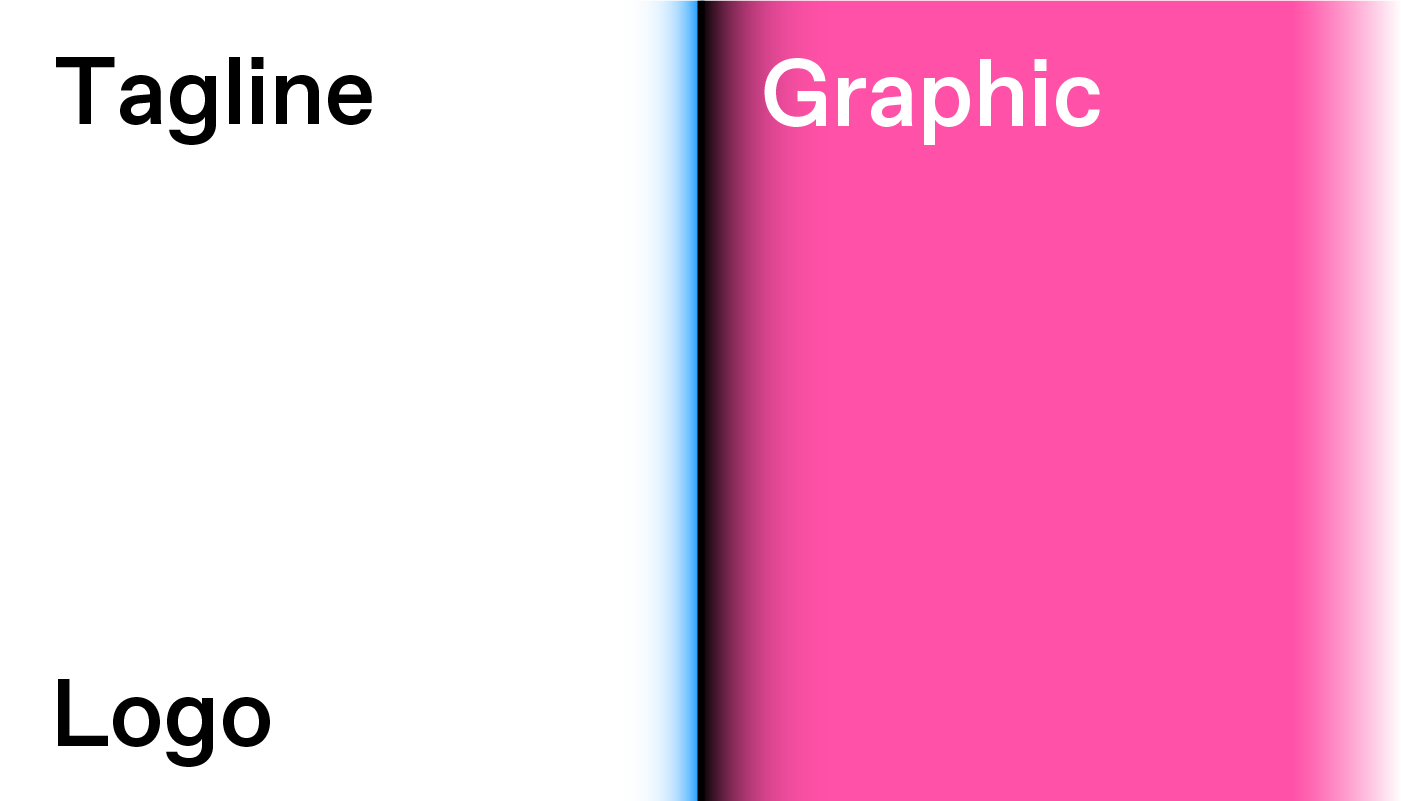
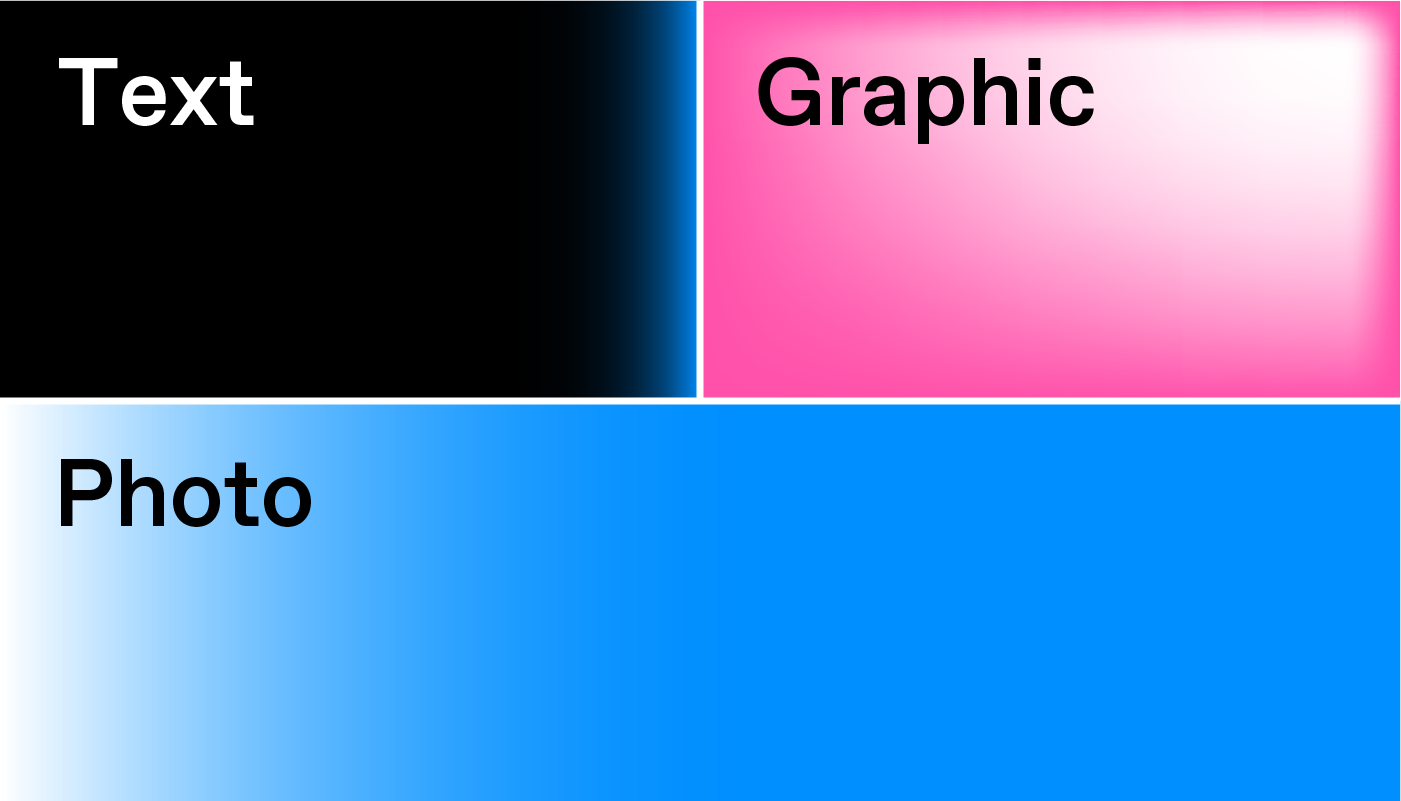
The number of grid elements is based on the number of content blocks.

Example: if an ad has a text and a graphic (two elements in total), then the grid should stick to two cells.
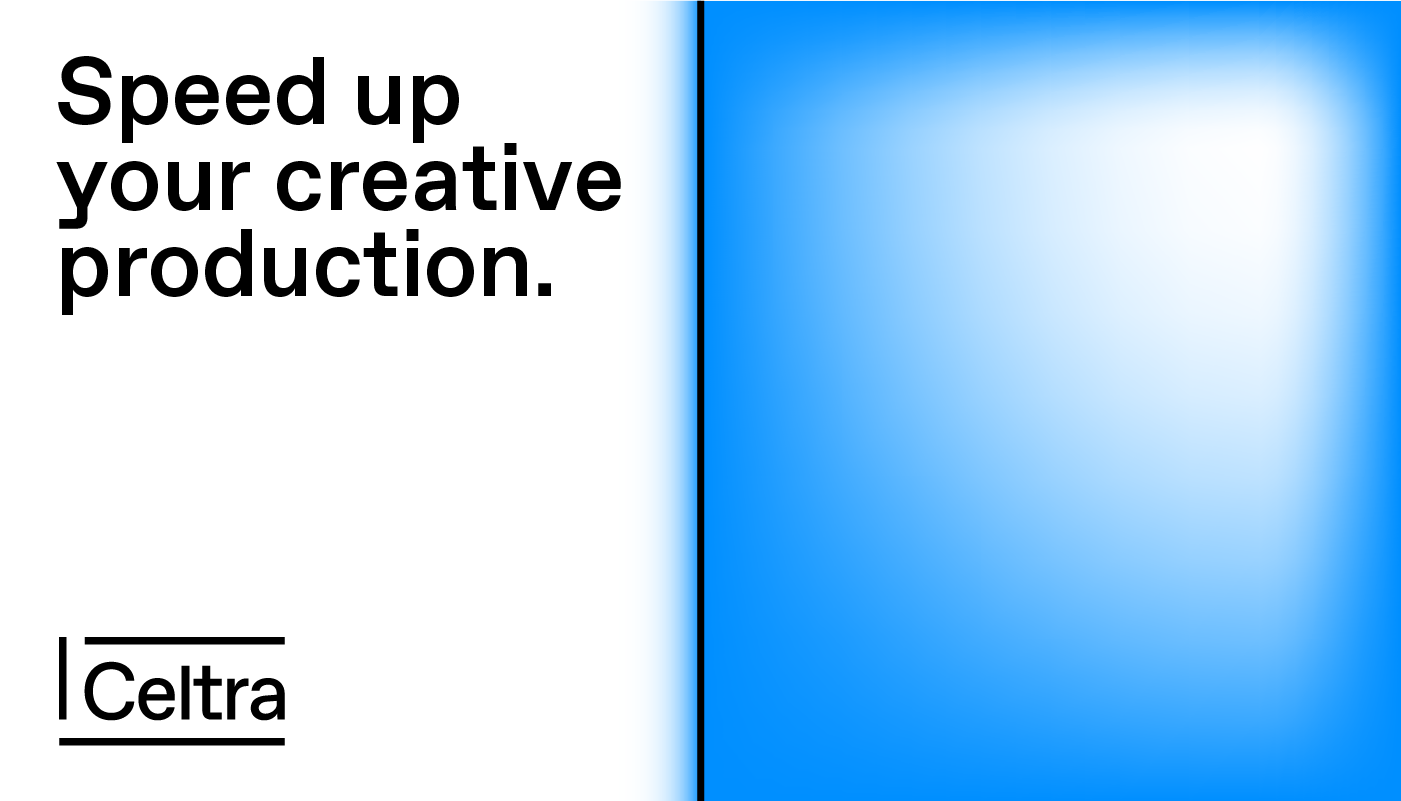
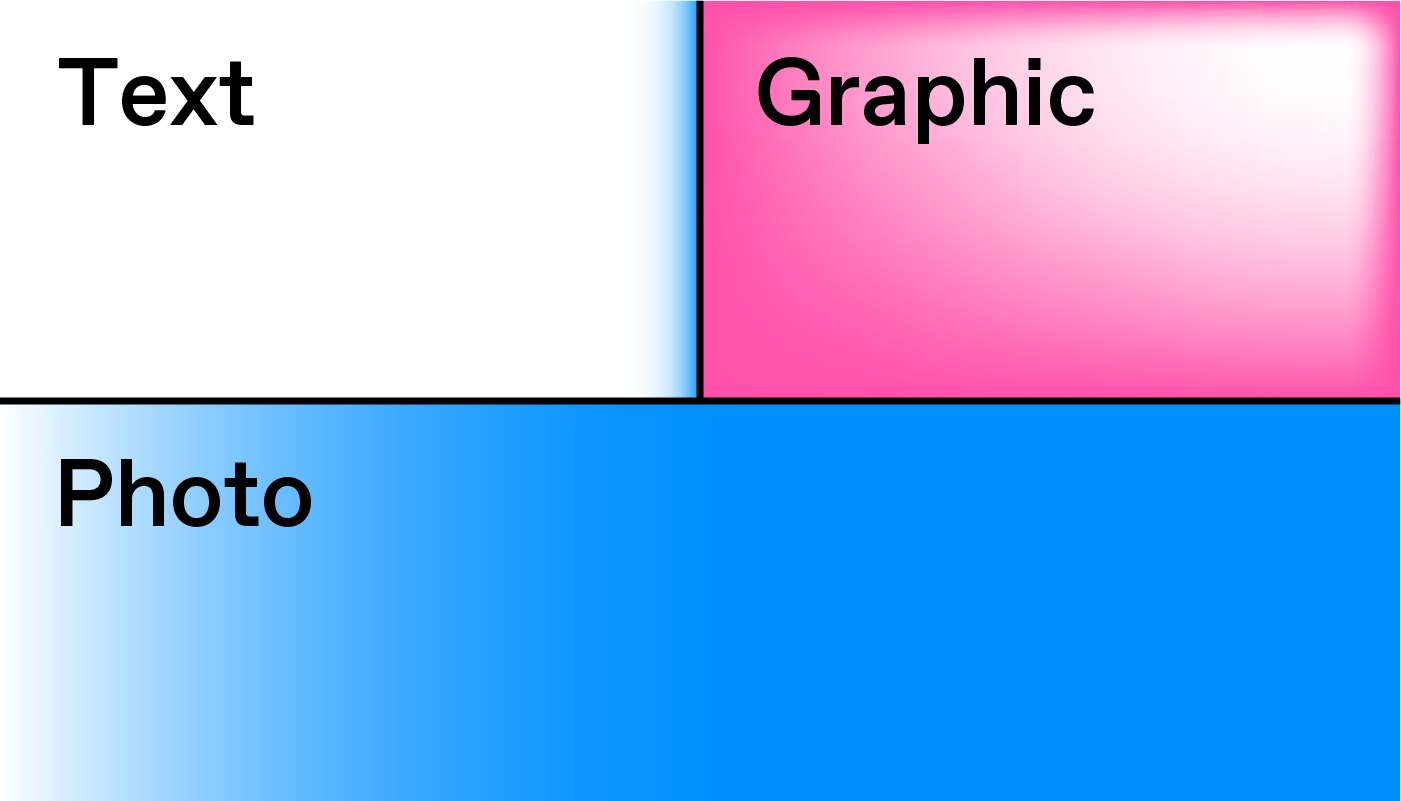
The size of the grid elements is based on the importance of the content.

Example: if a photograph is an essential thing to be shown, it should take over the largest grid element.
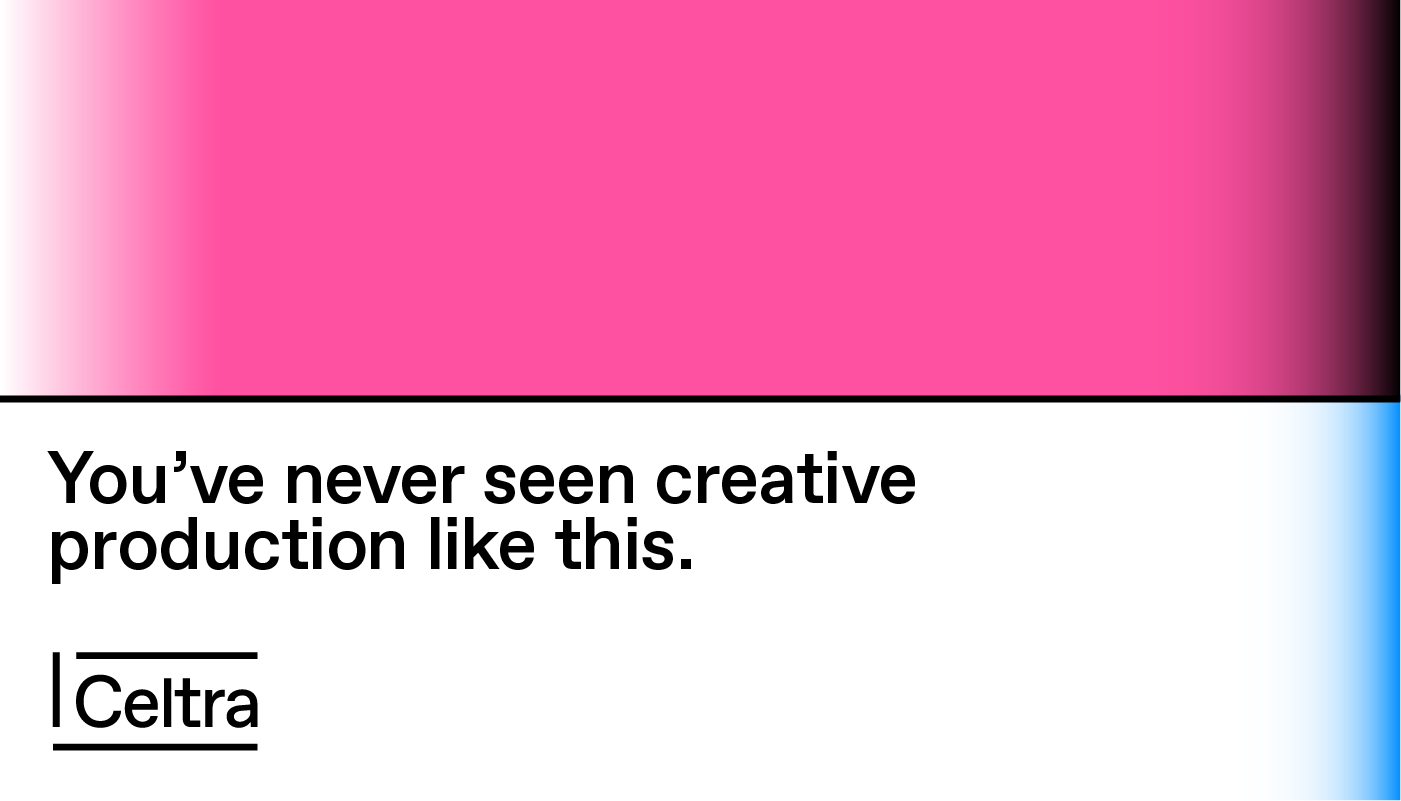
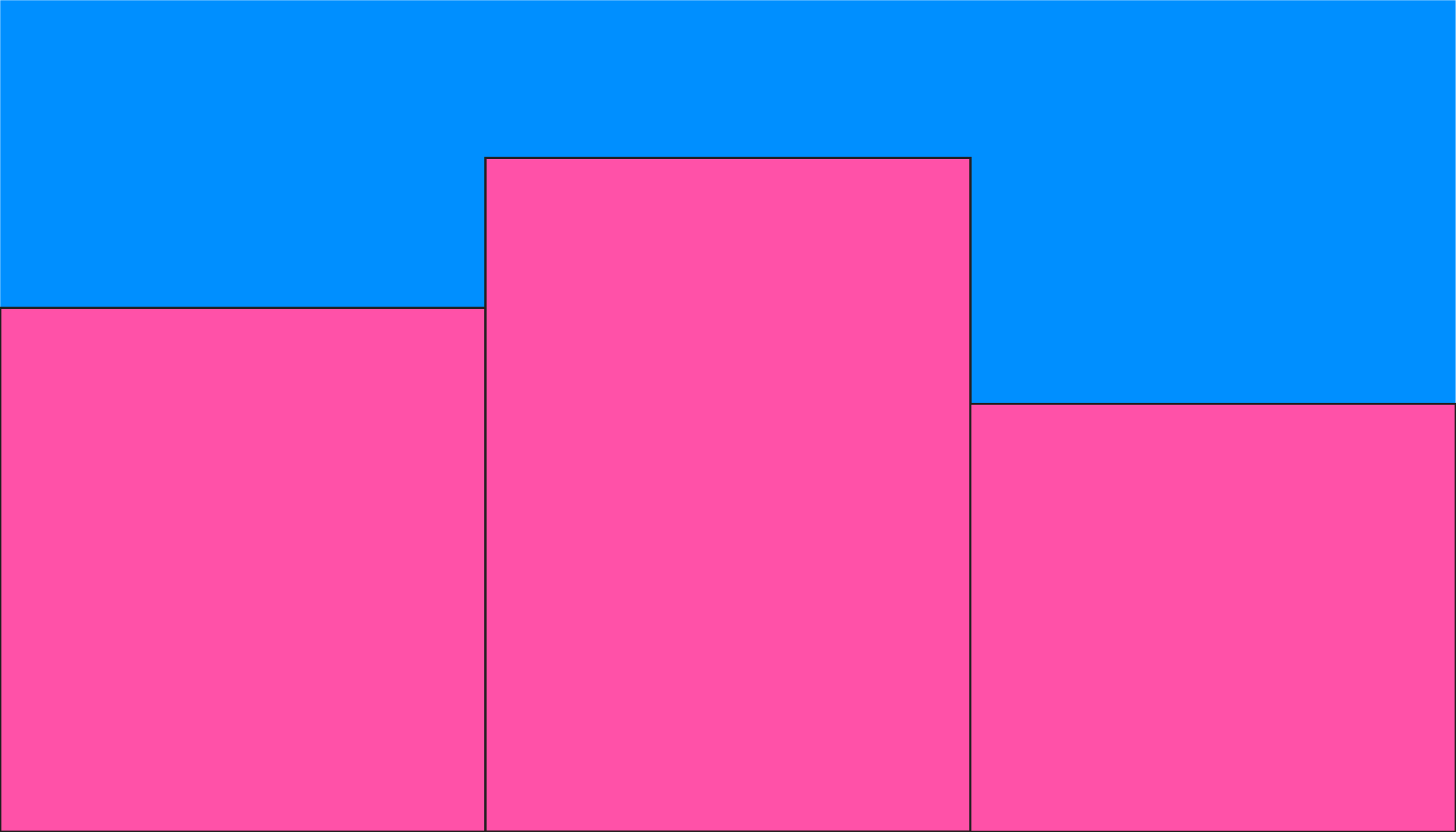
Balance white and colorful elements.

Don’t get too carried away with color. The white space should work as a counterbalance to the vivid visuals in an approximate 1:1 ratio.
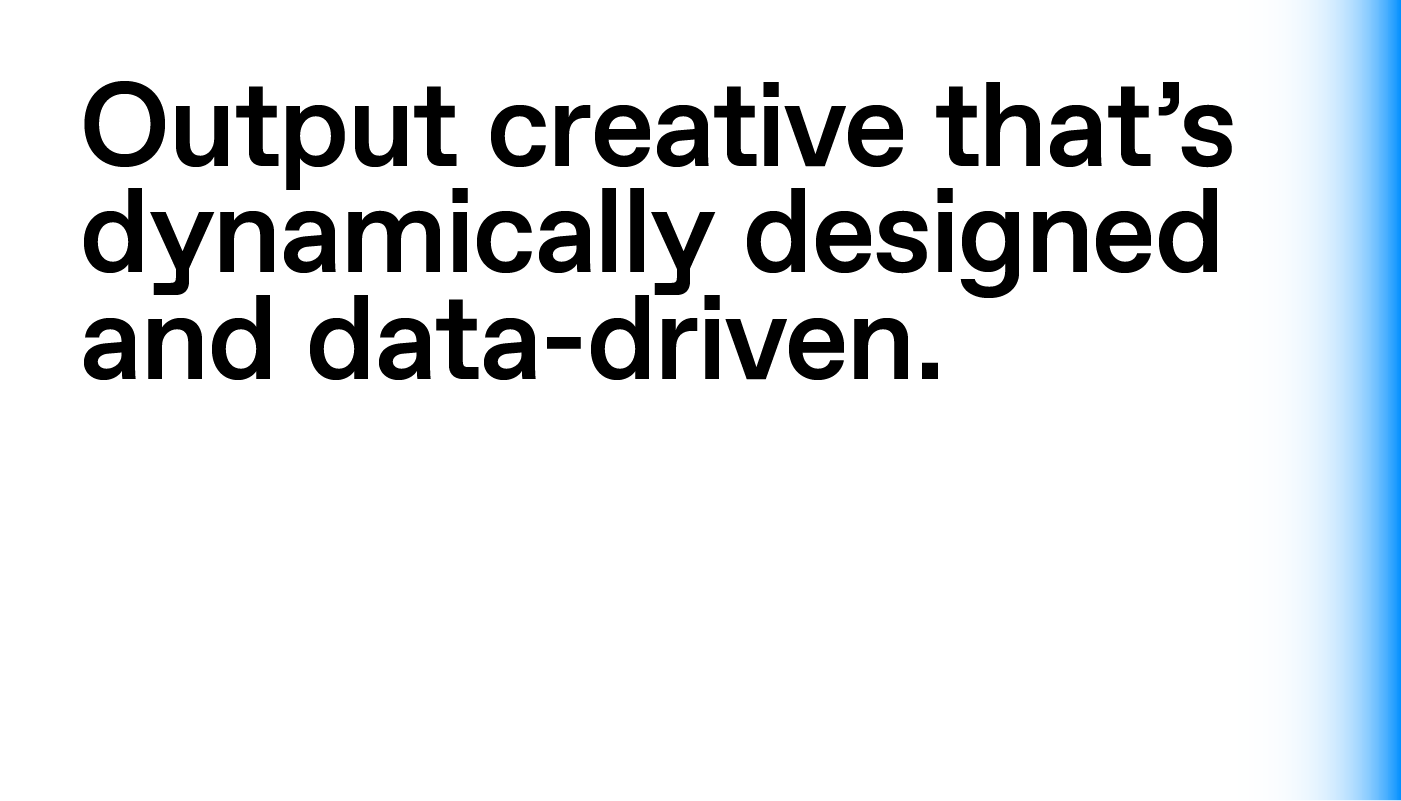
Sometimes you don’t really need a grid.

If you don’t have enough room to maneuver or have just one type of content on the application, there’s no need for a grid.
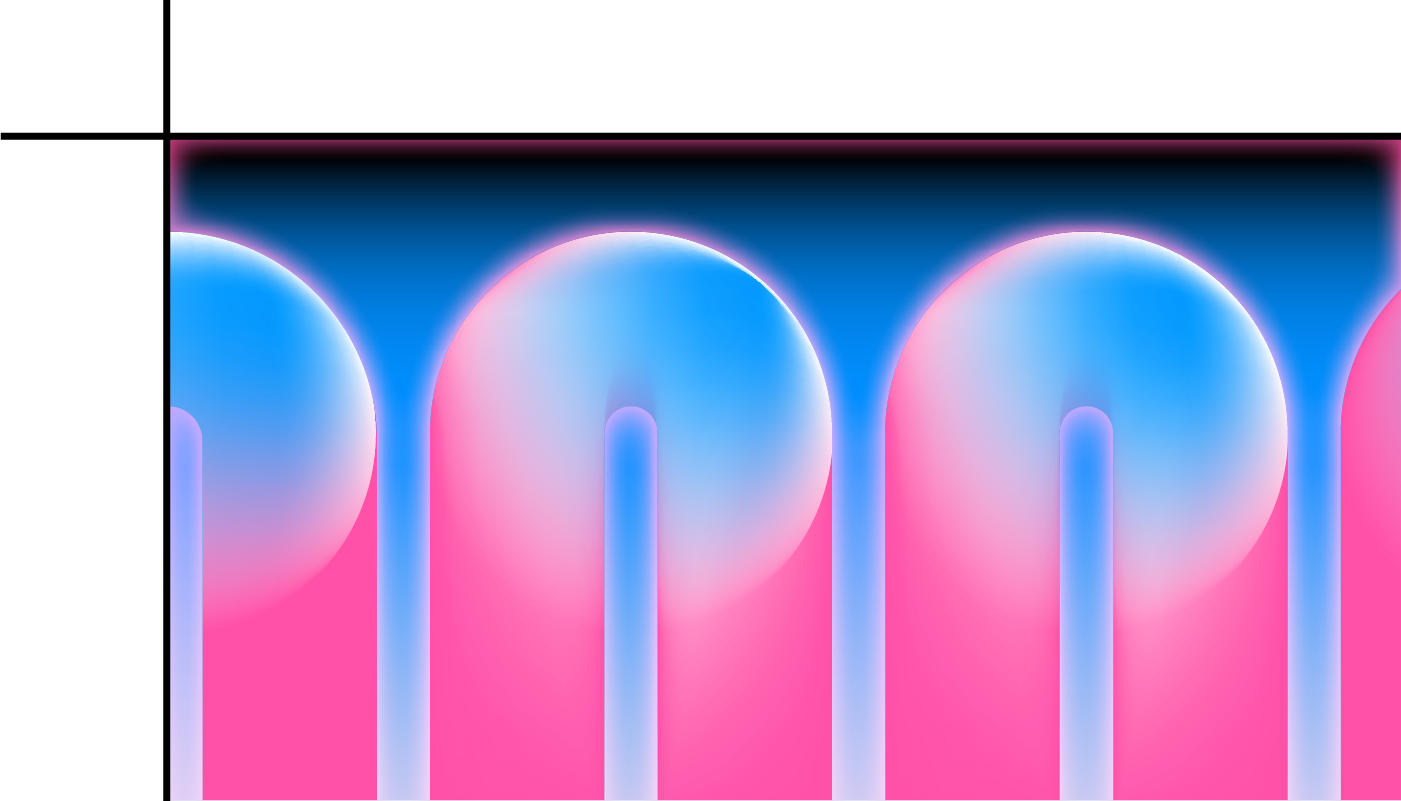
Graphics, Illustration or Photography should fill the whole cell.

Big is beautiful so go edge to edge, full-bleed. Visual elements should never float in the middle of the cell, surrounded by white space.

Examples

No grid

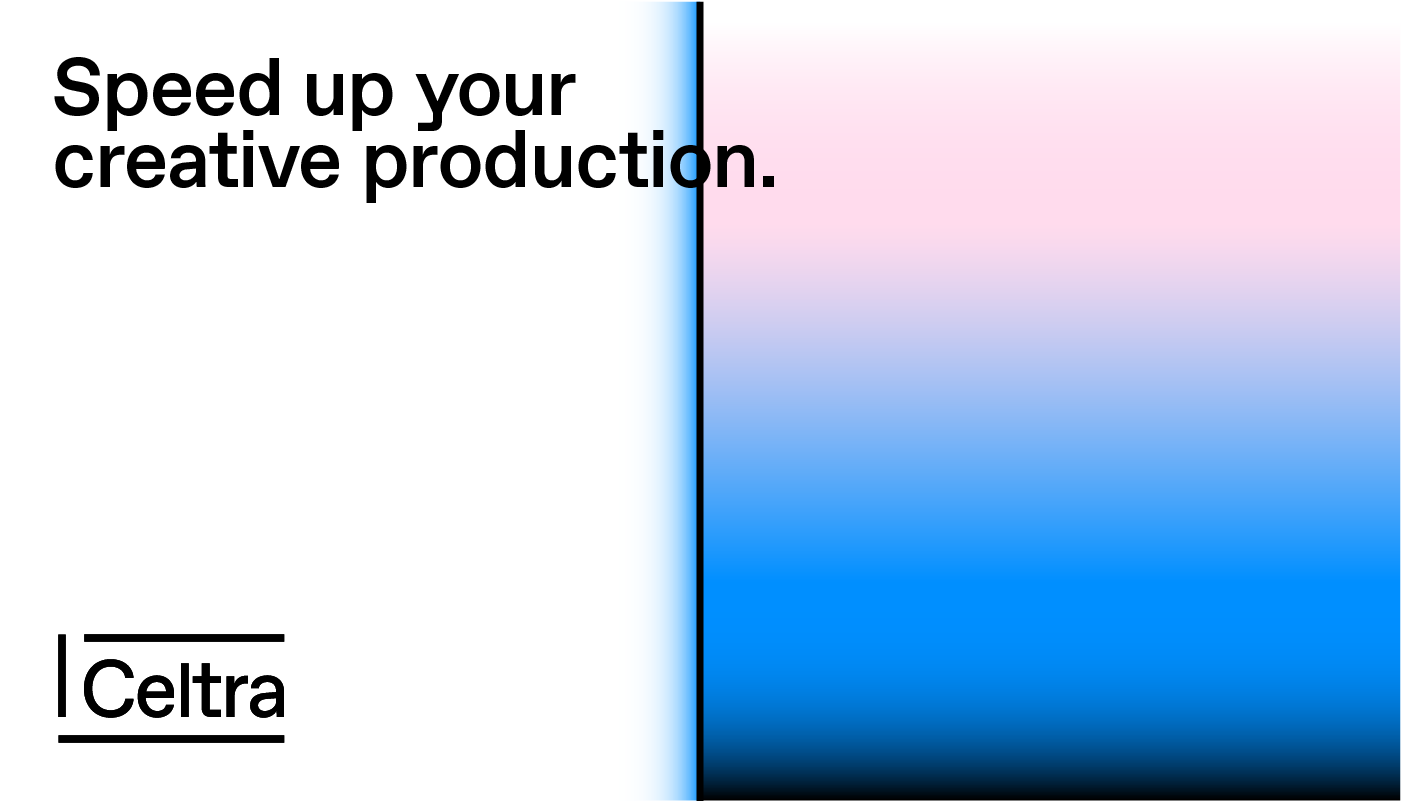
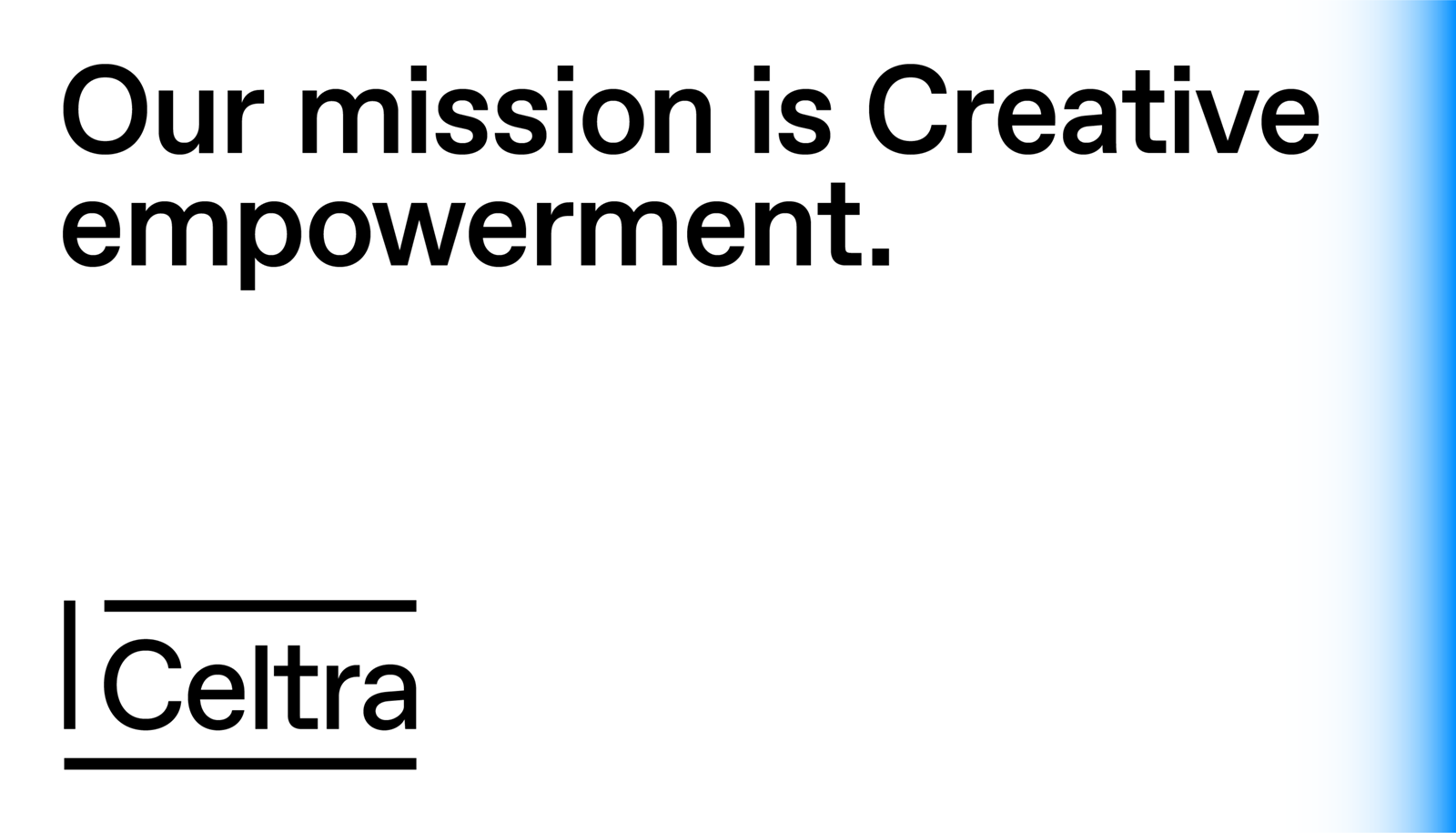
 No grid
 No graphic elements
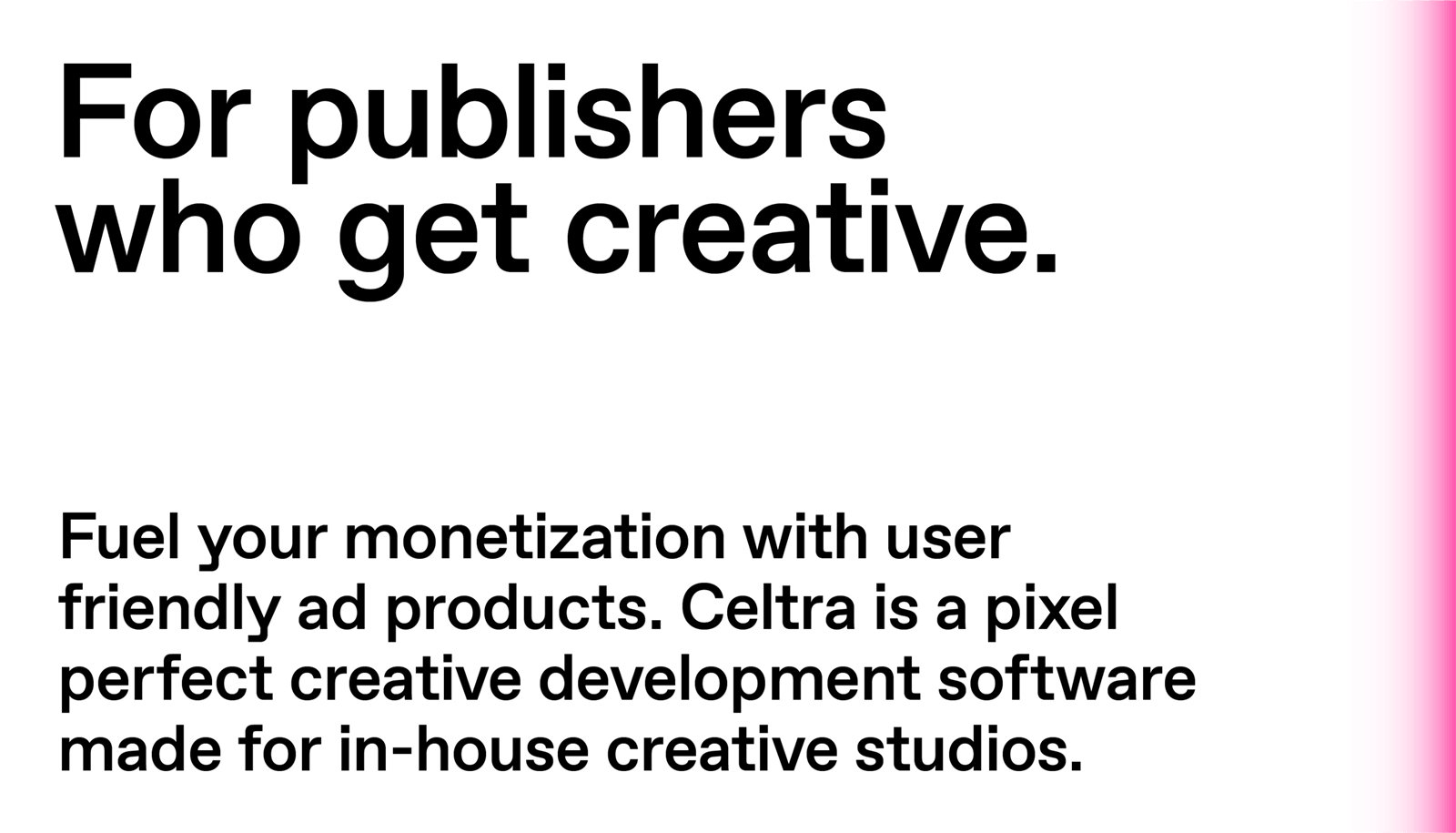
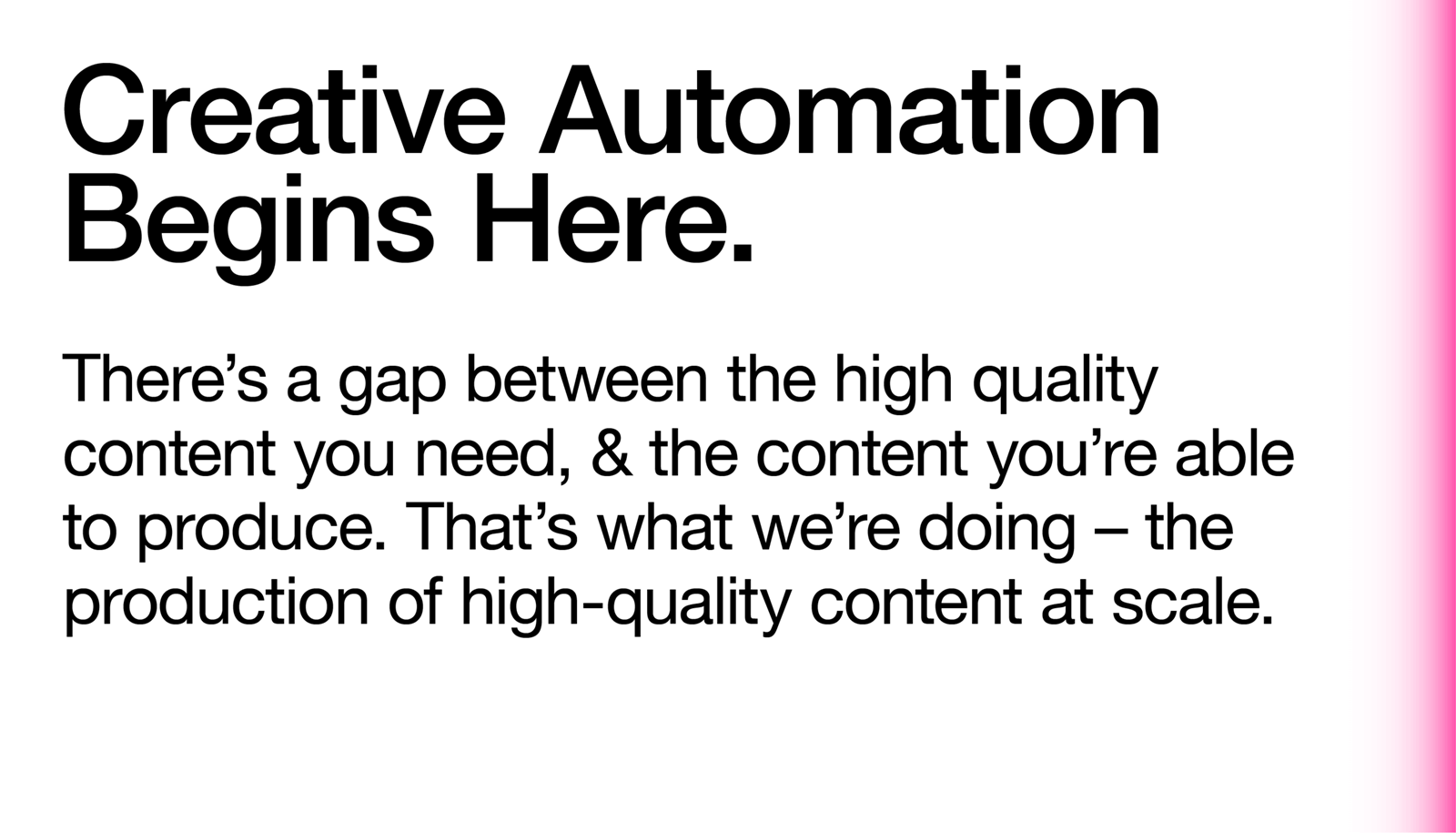
 Centered text

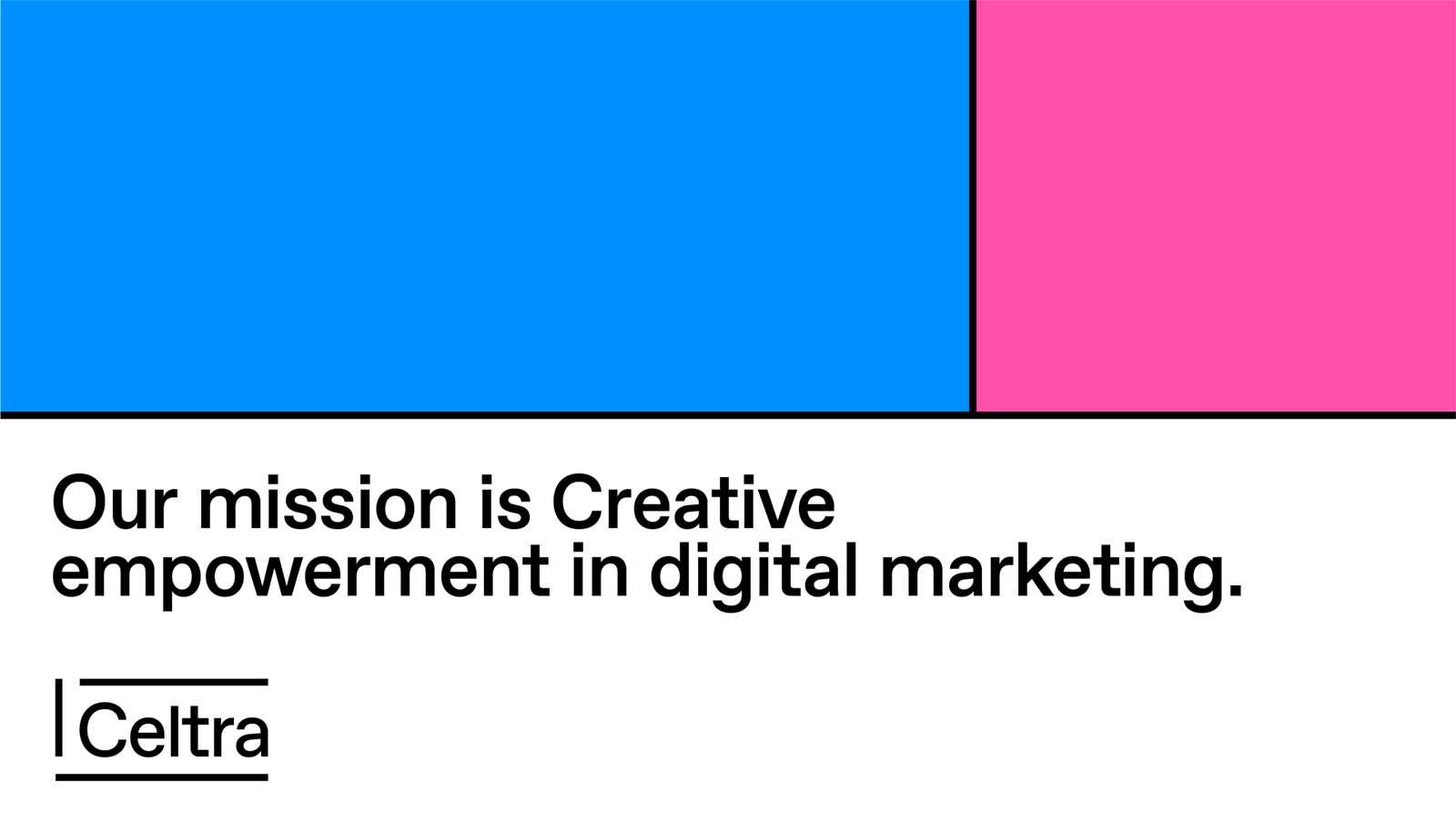
Simple grid

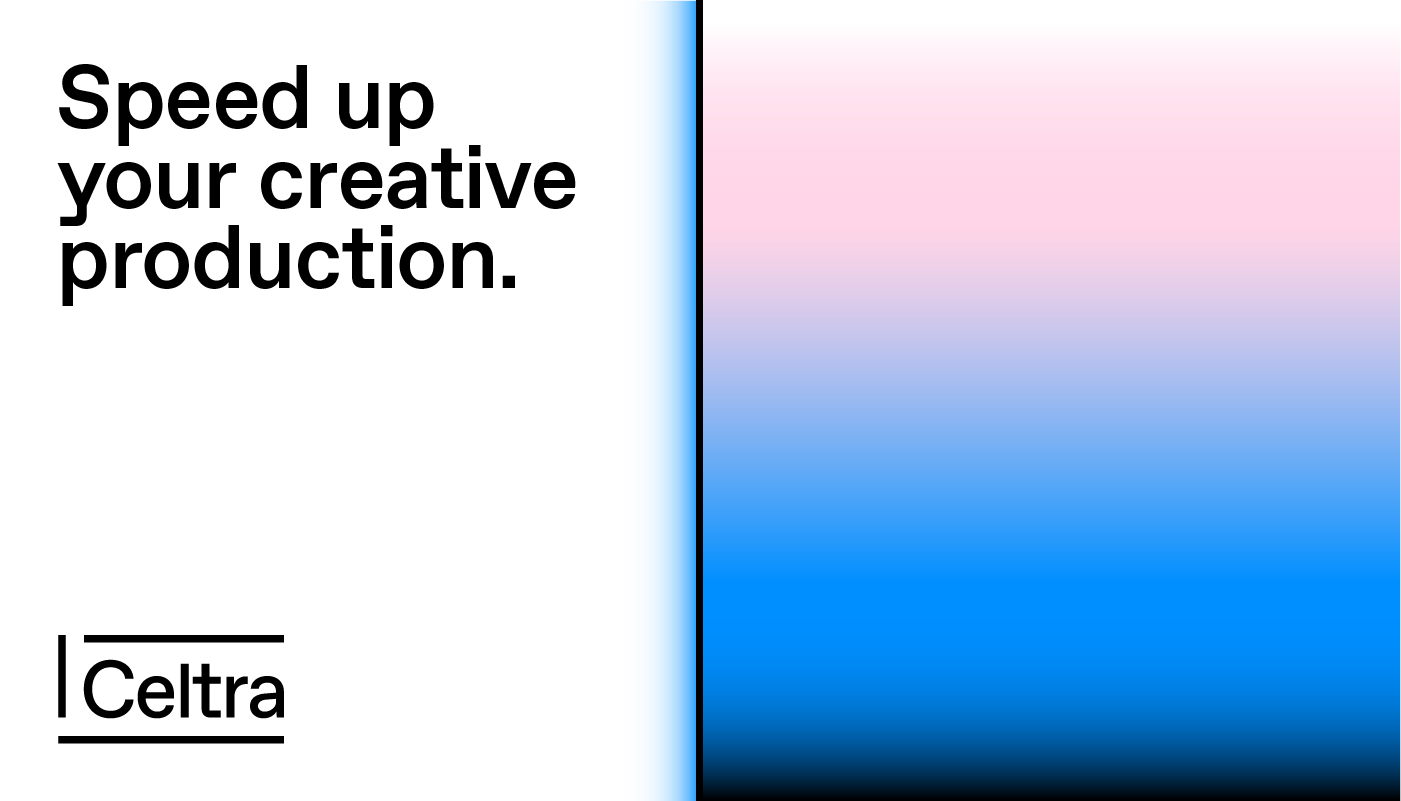
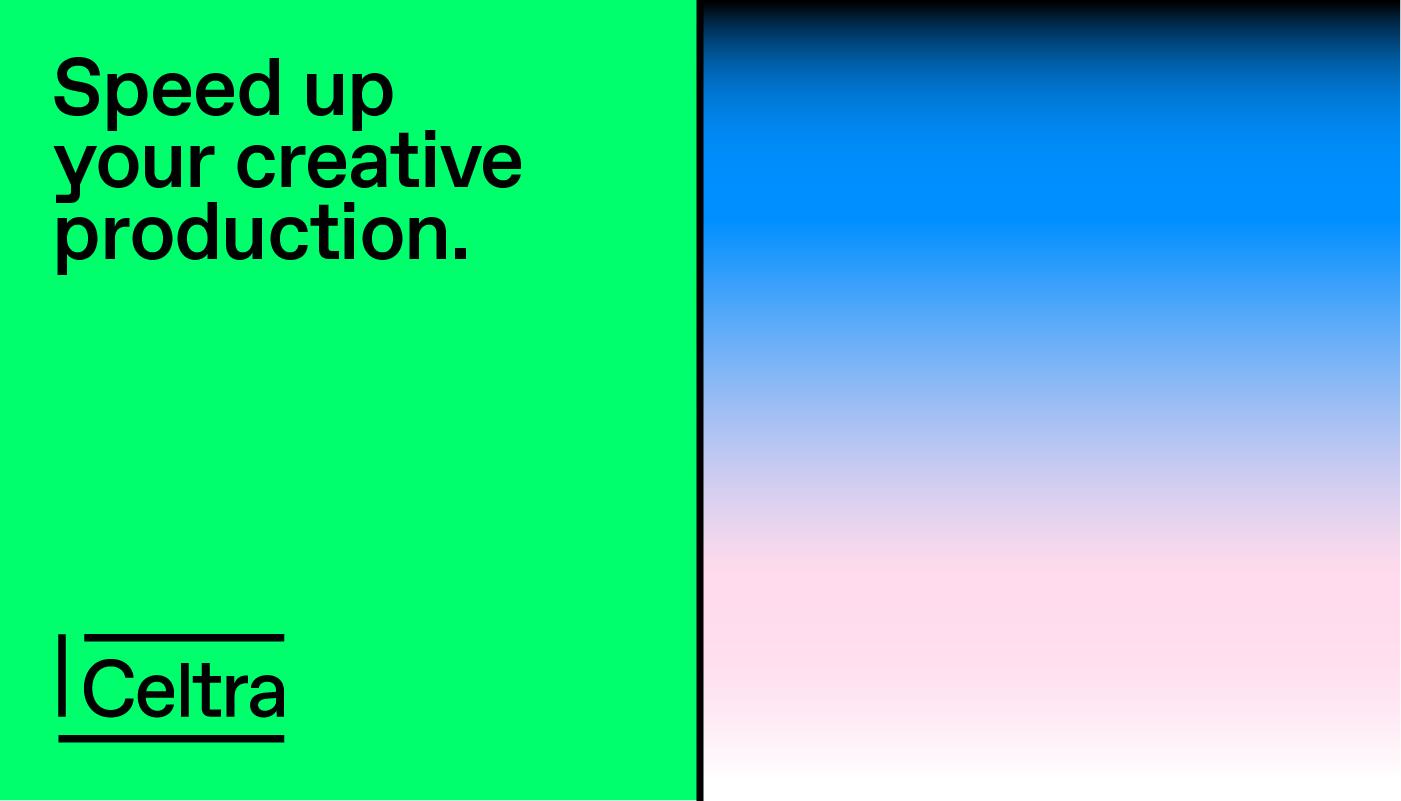
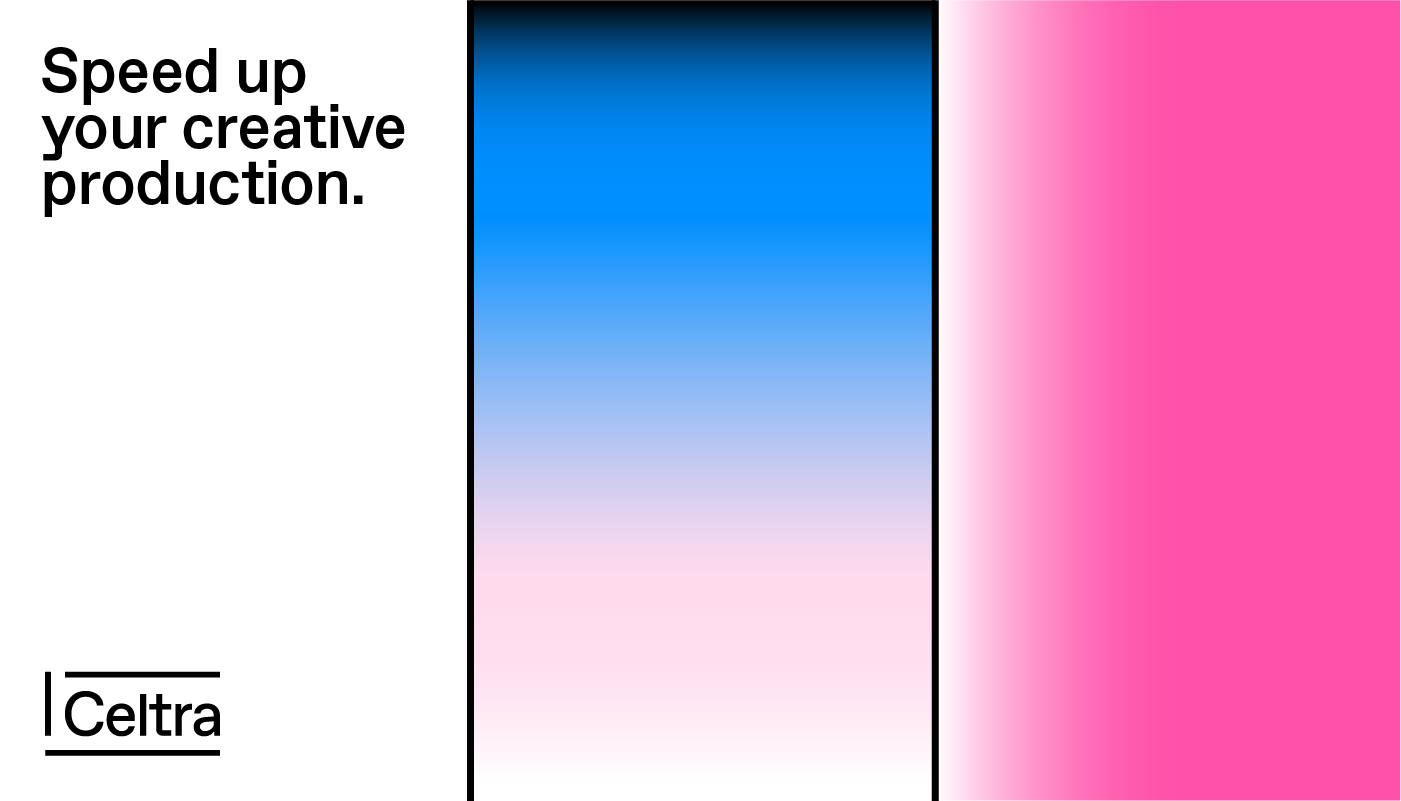
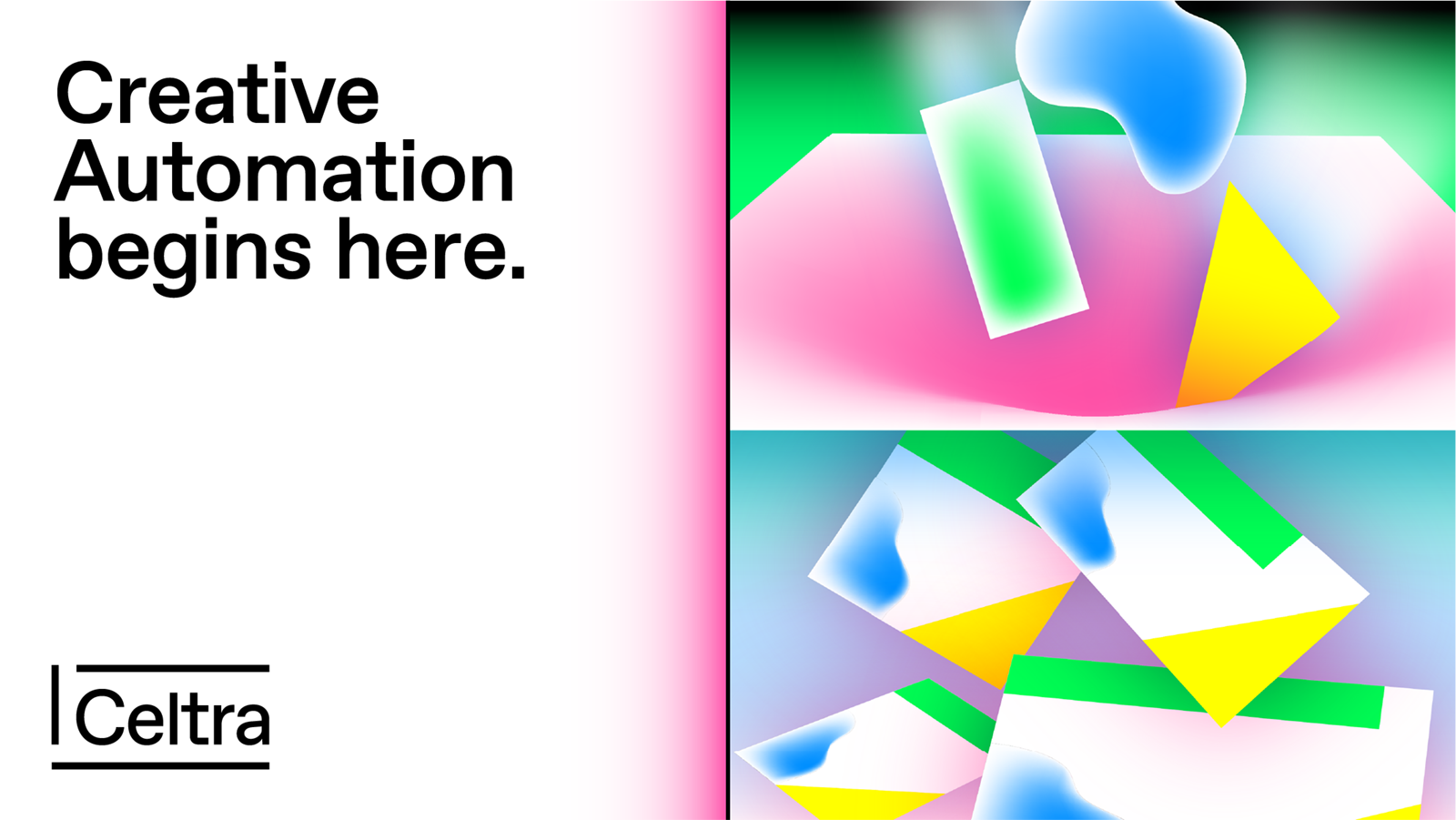
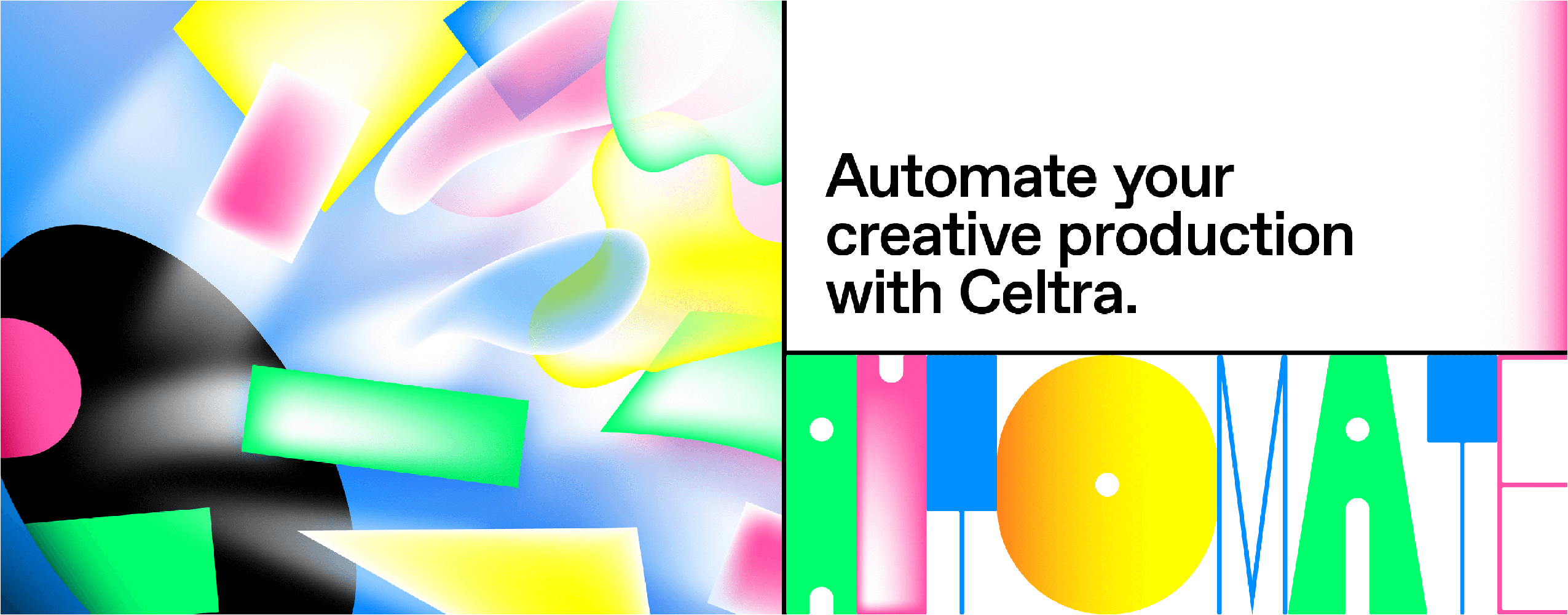
 Two cells
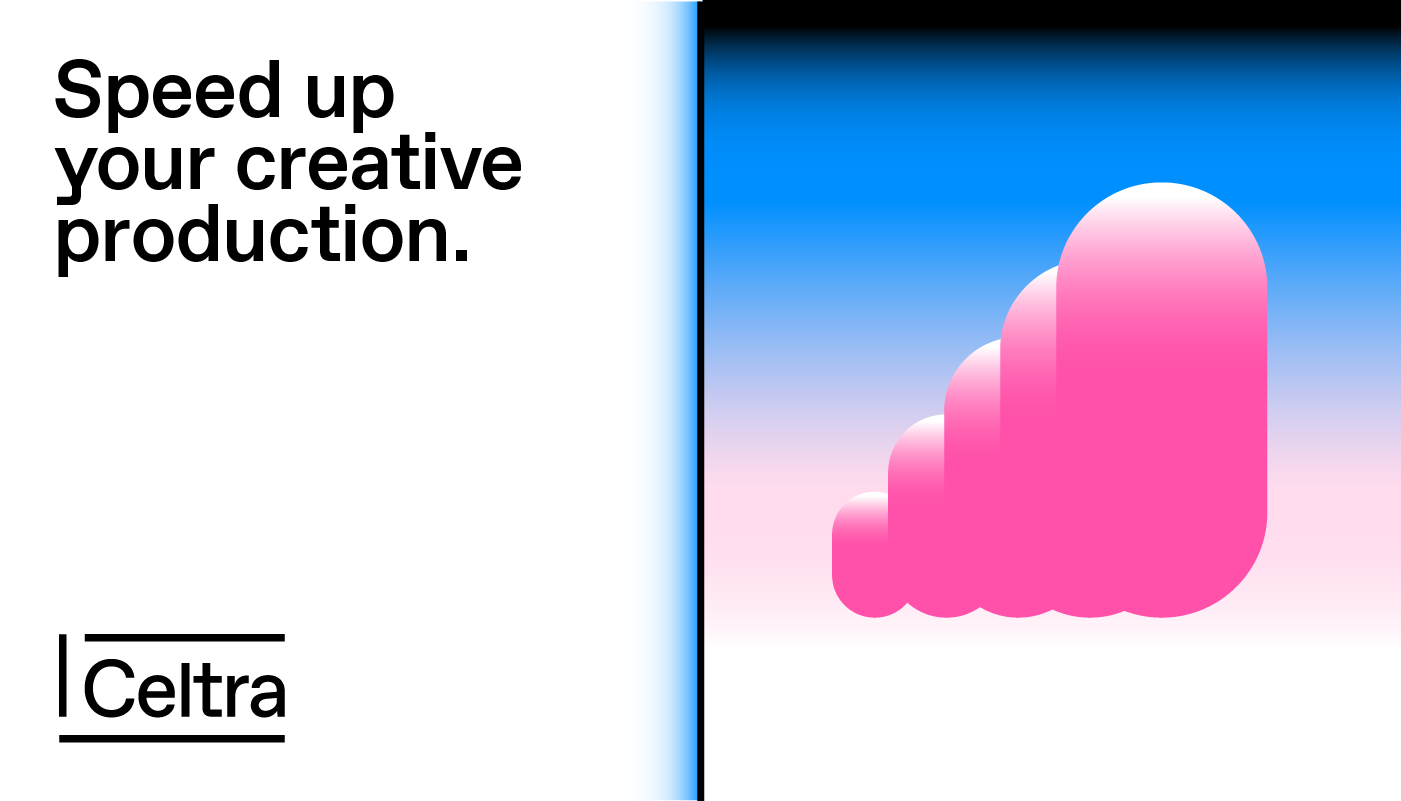
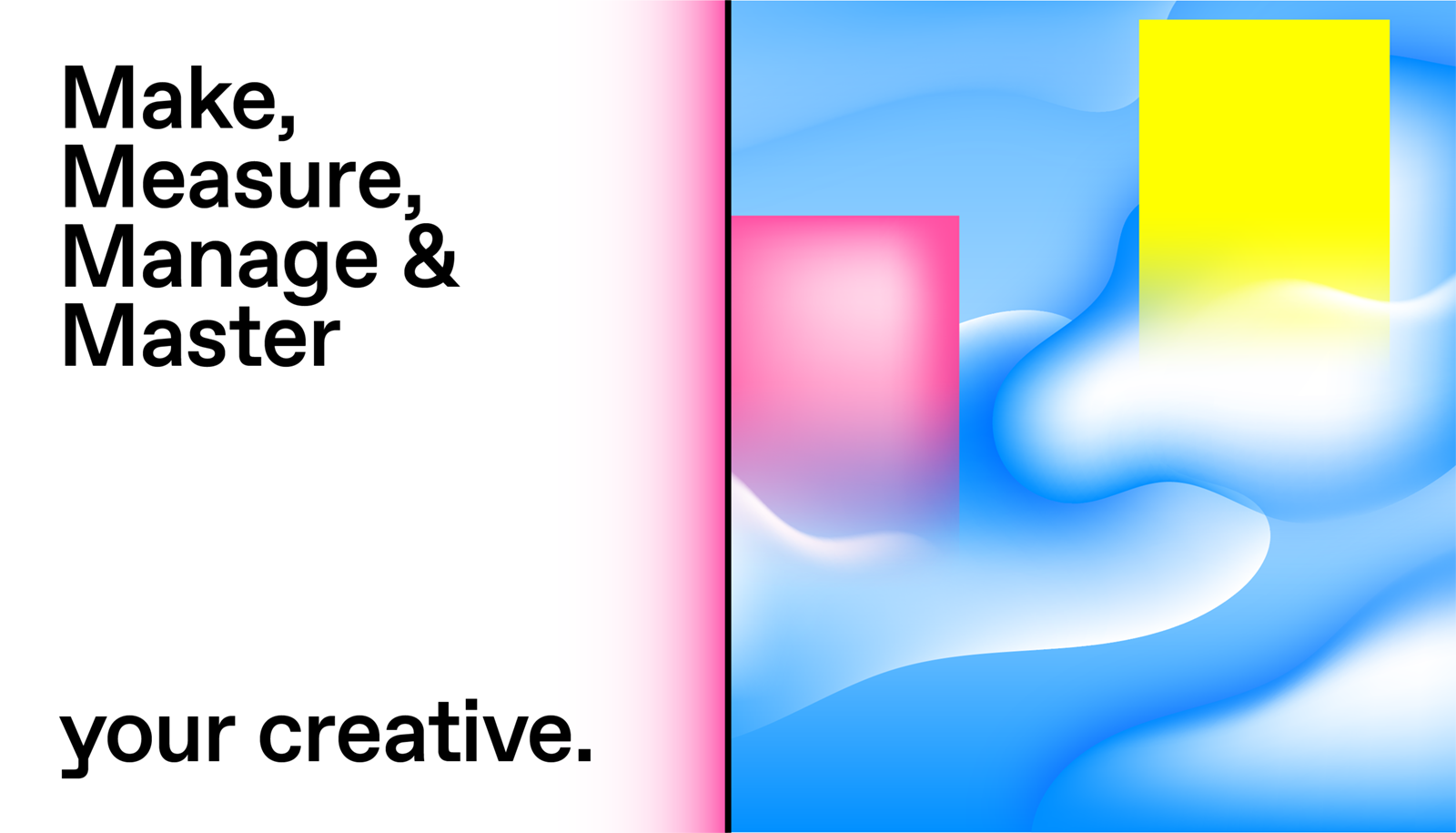
 Single graphic element (gradient, graphic, Nitro, photo)
 Left-aligned text

Complex grid

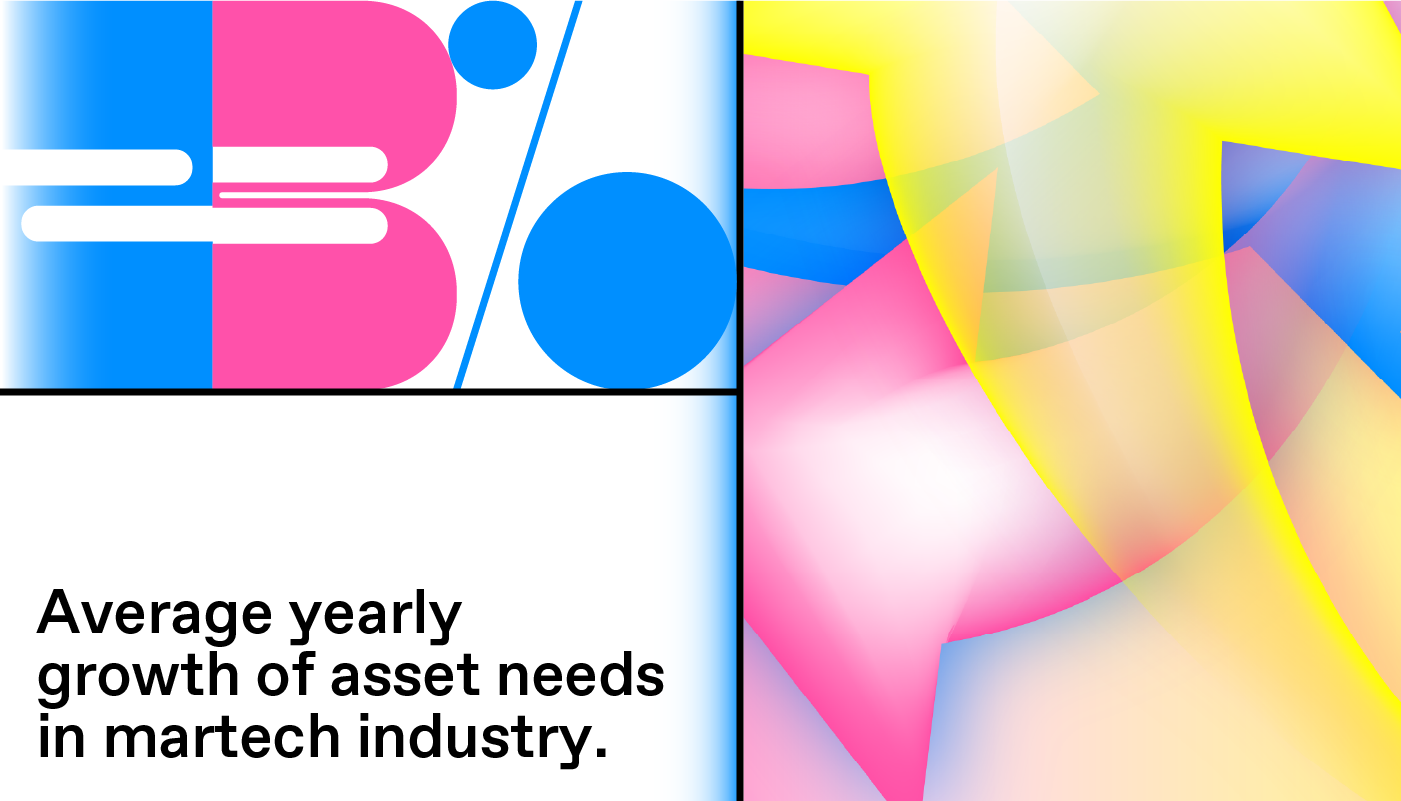
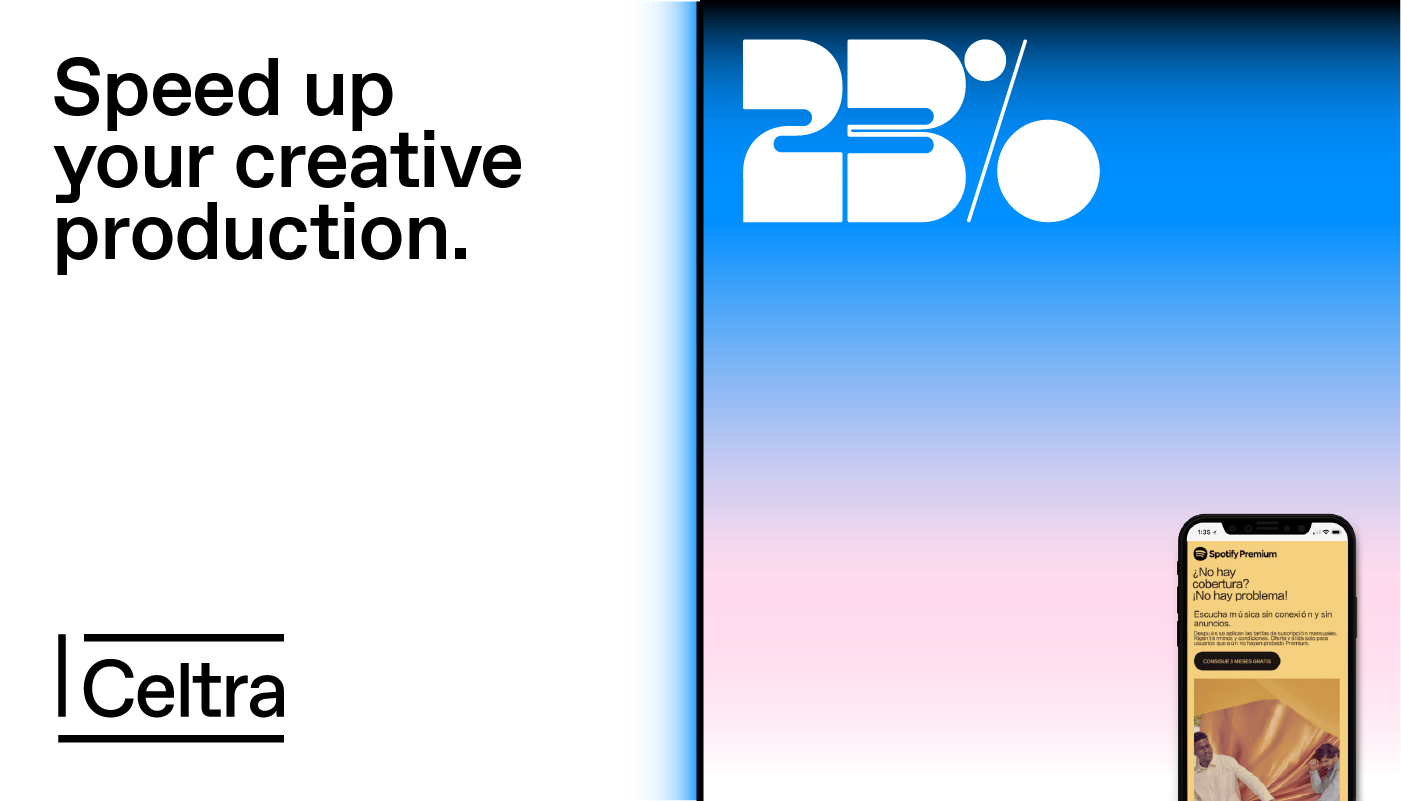
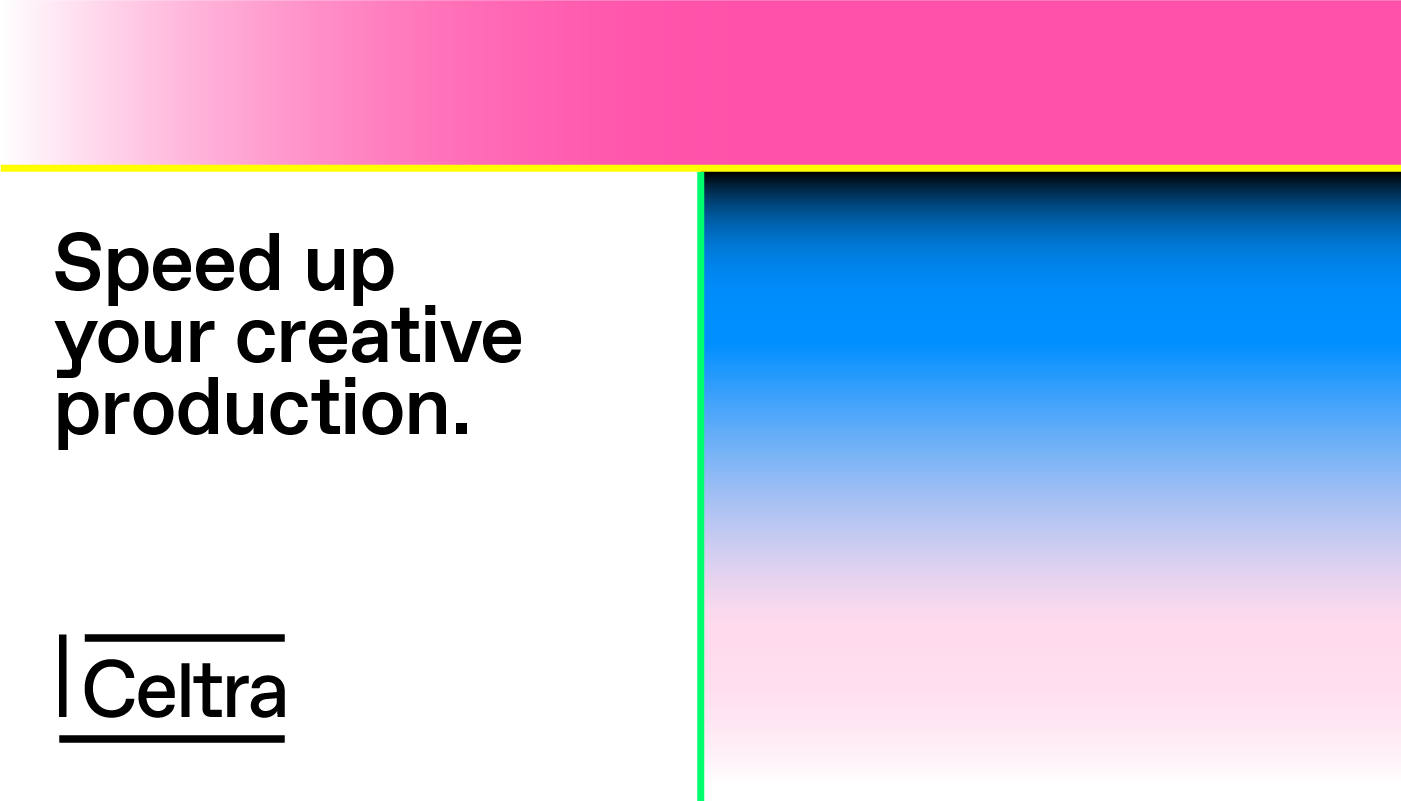
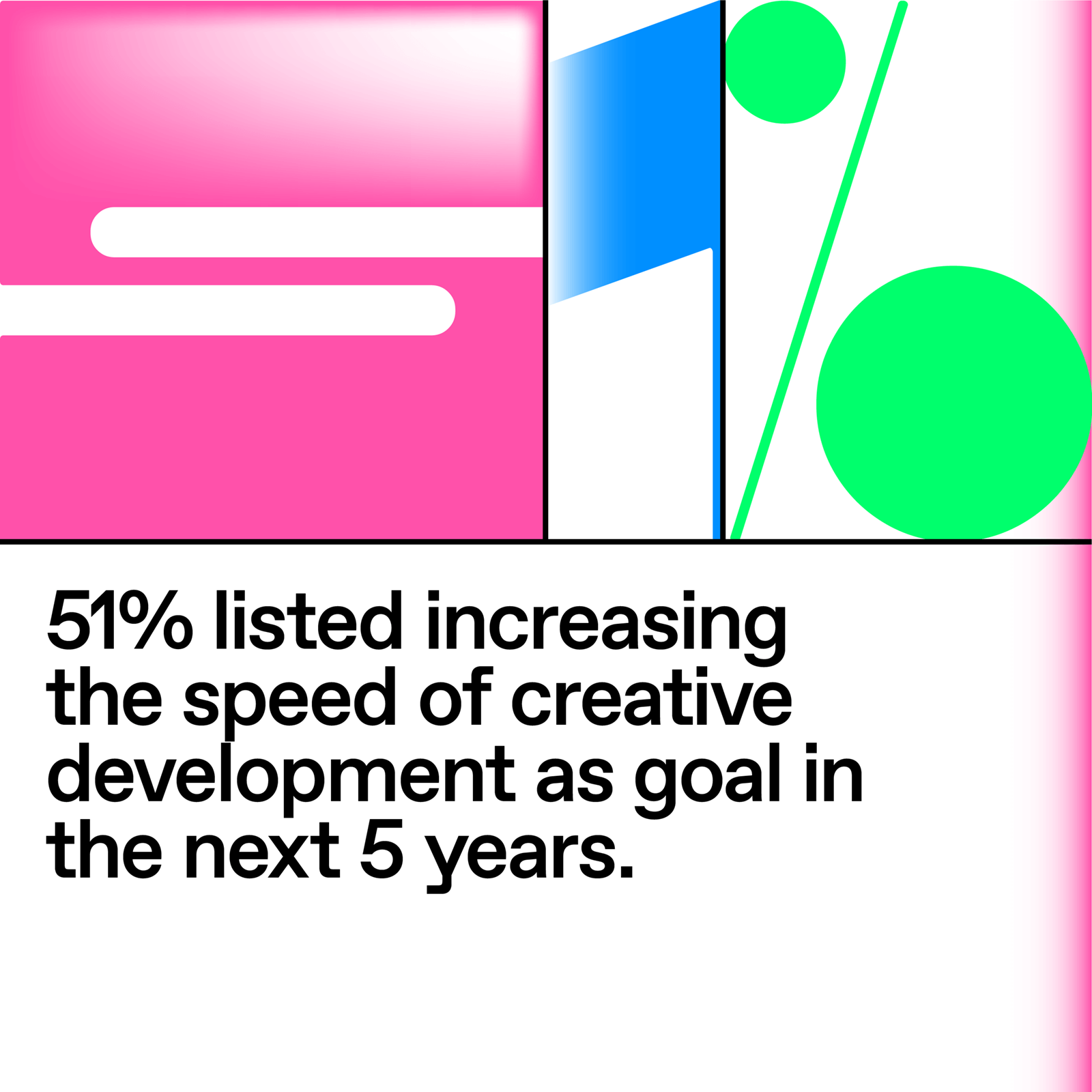
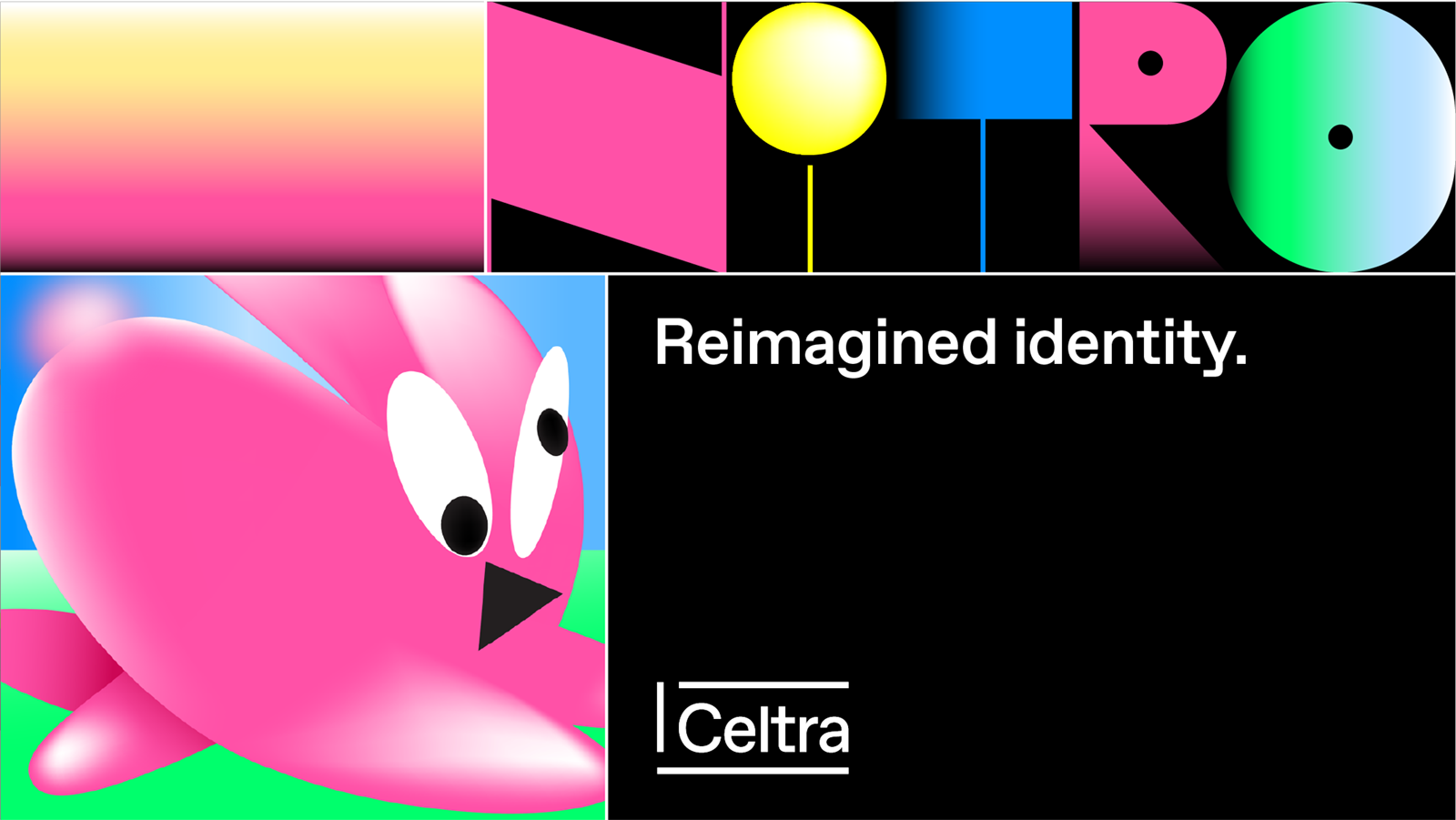
 Grid has more than two cells
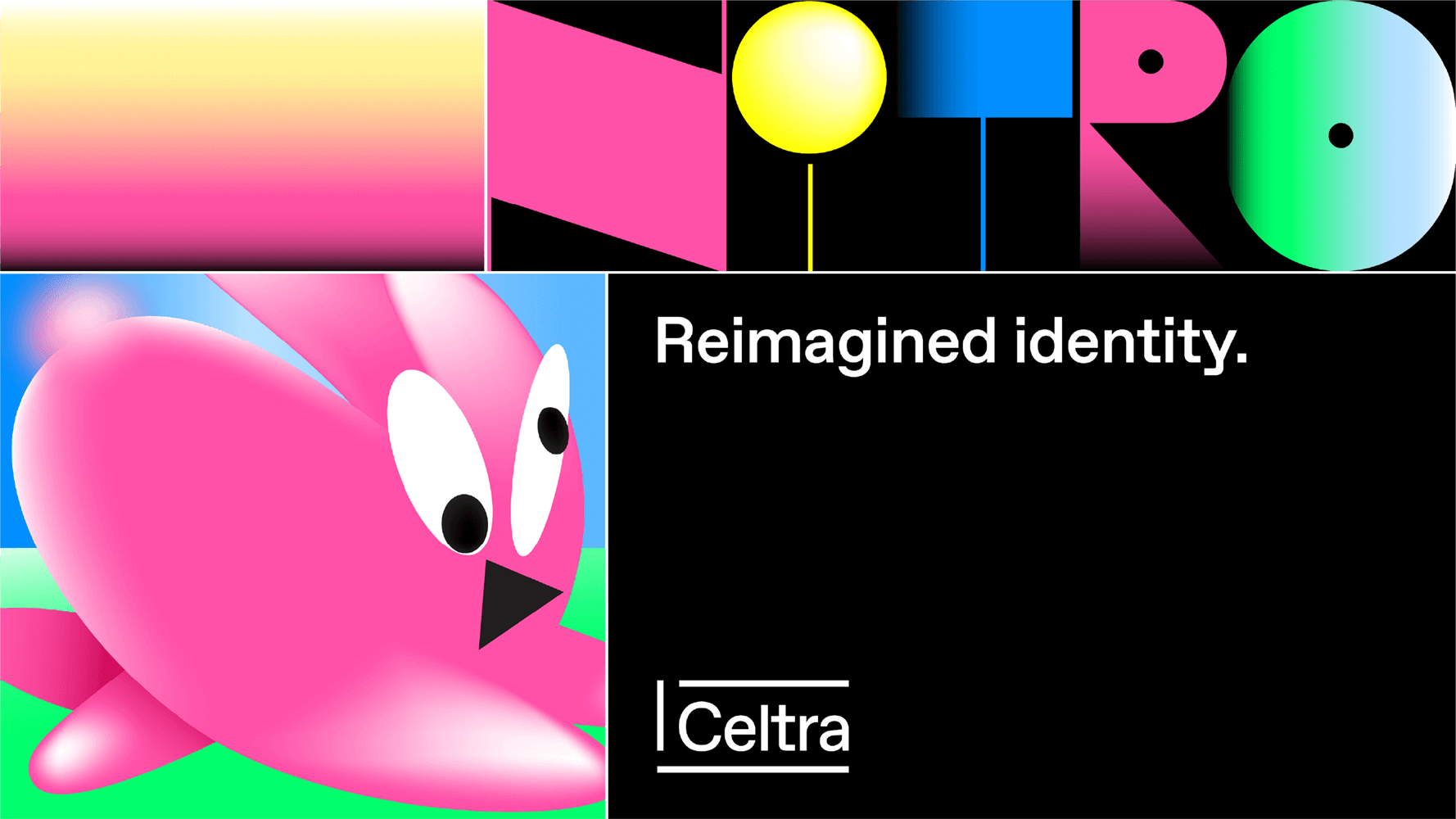
 Combination of Nitro, photography, and graphics
 Left-aligned text
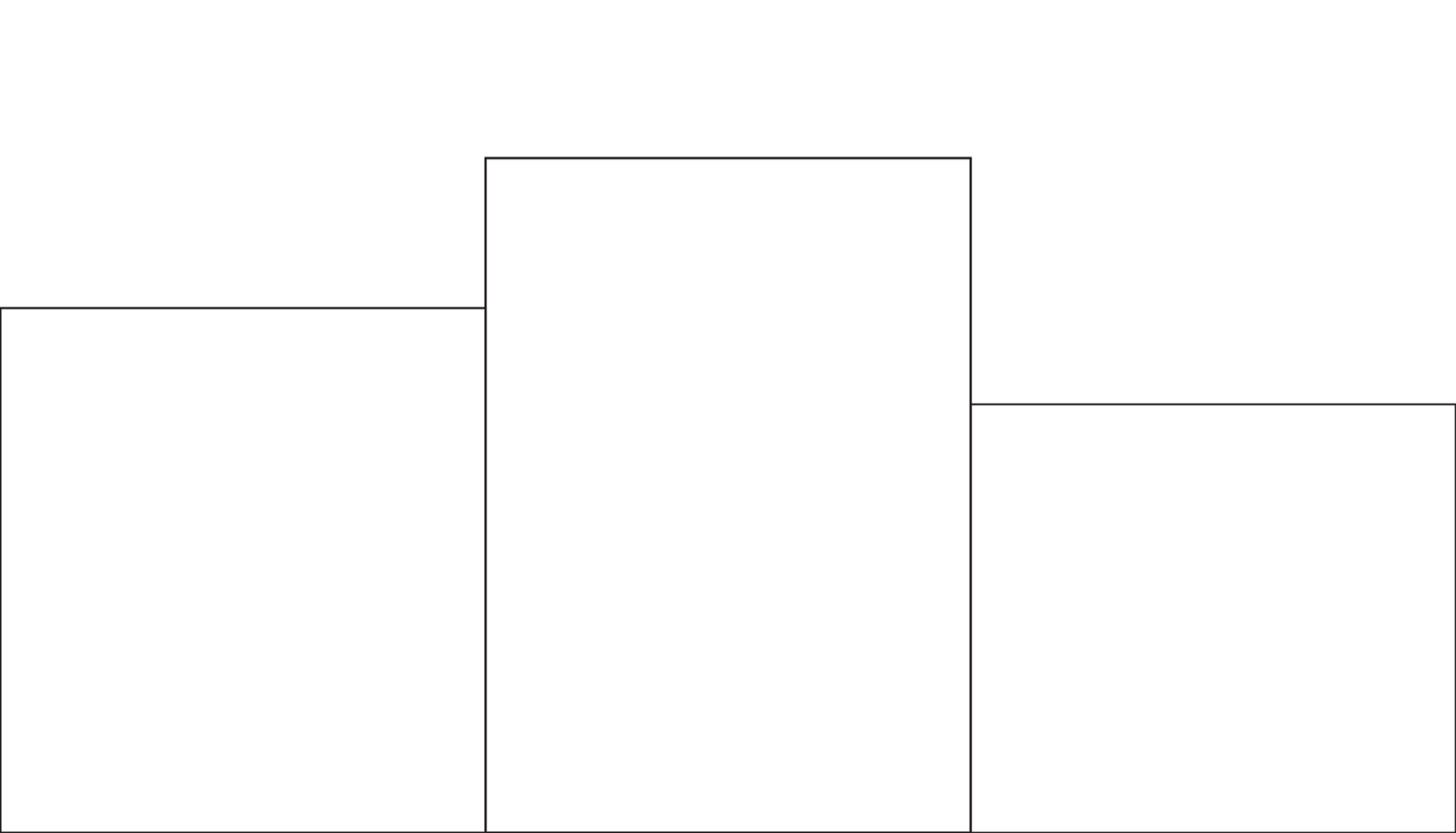
Drawing the grid
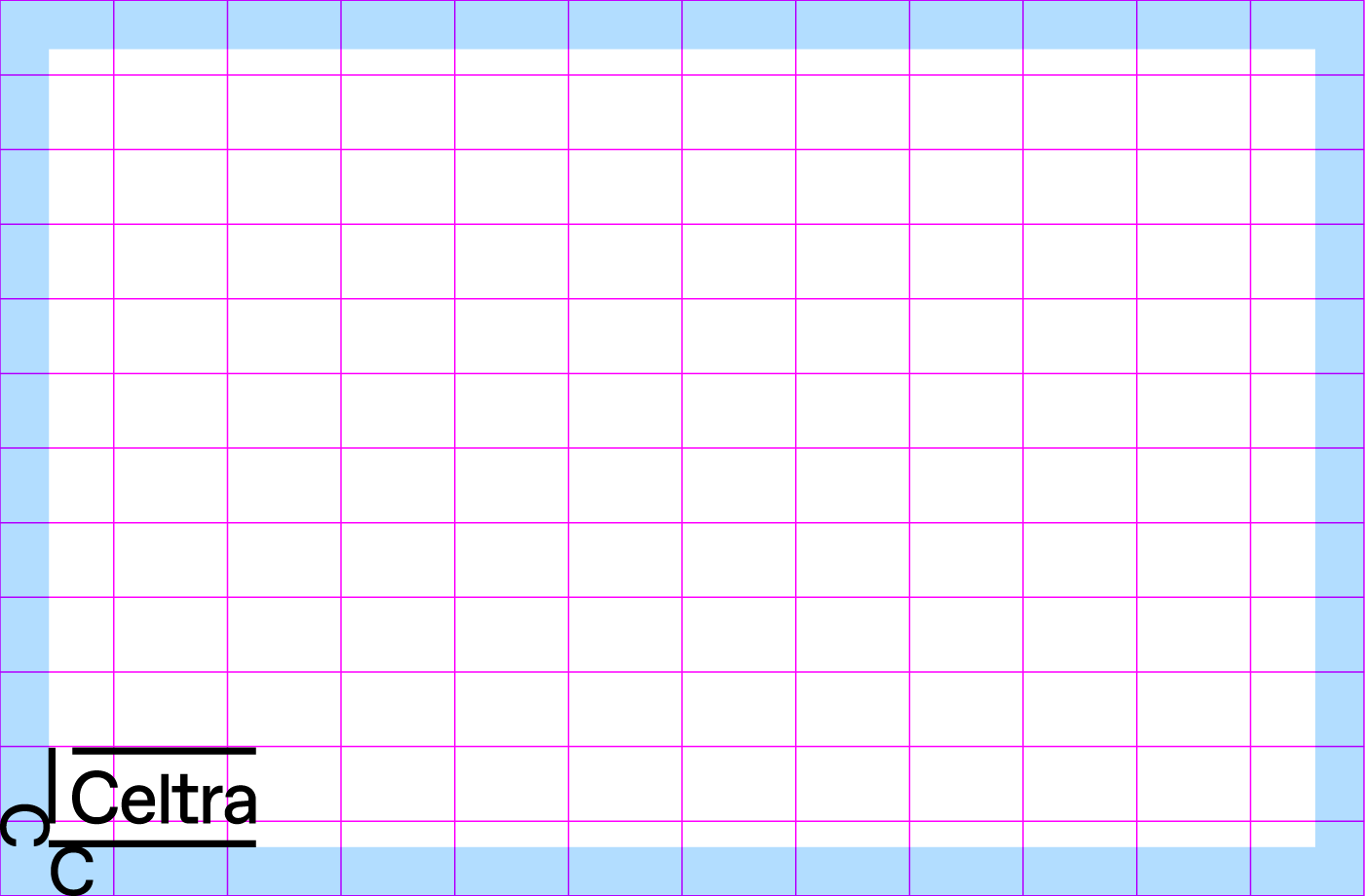
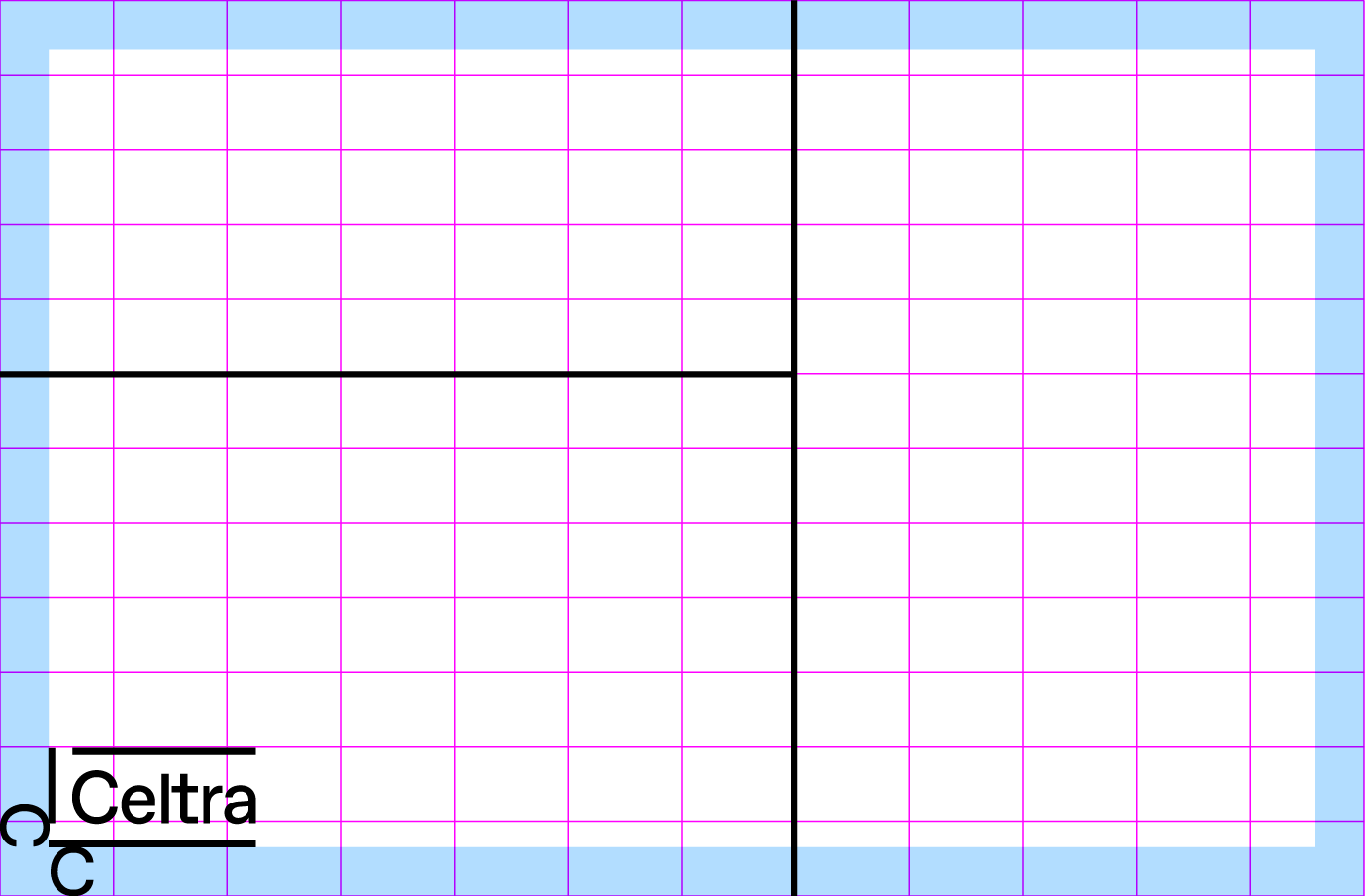
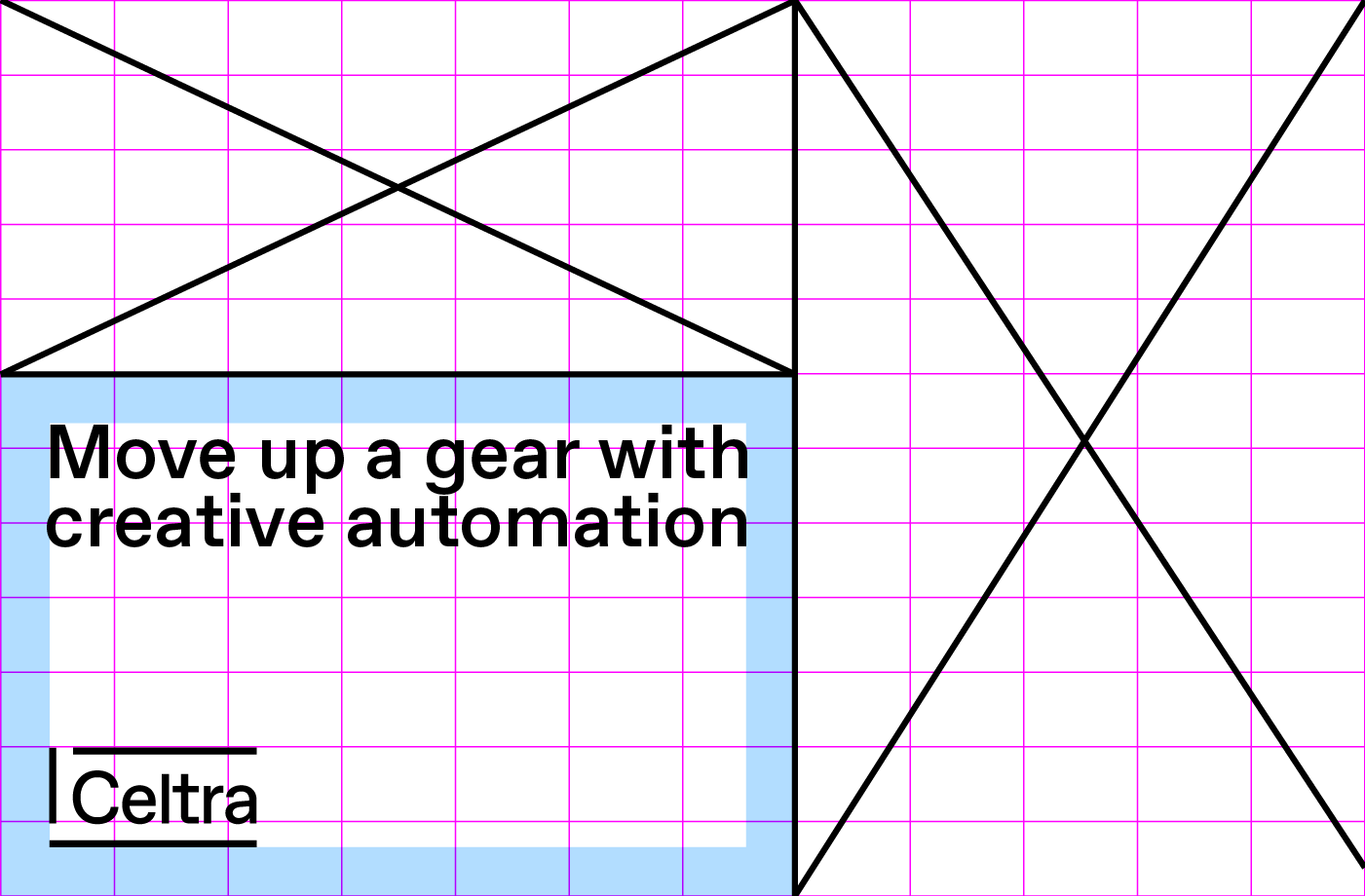
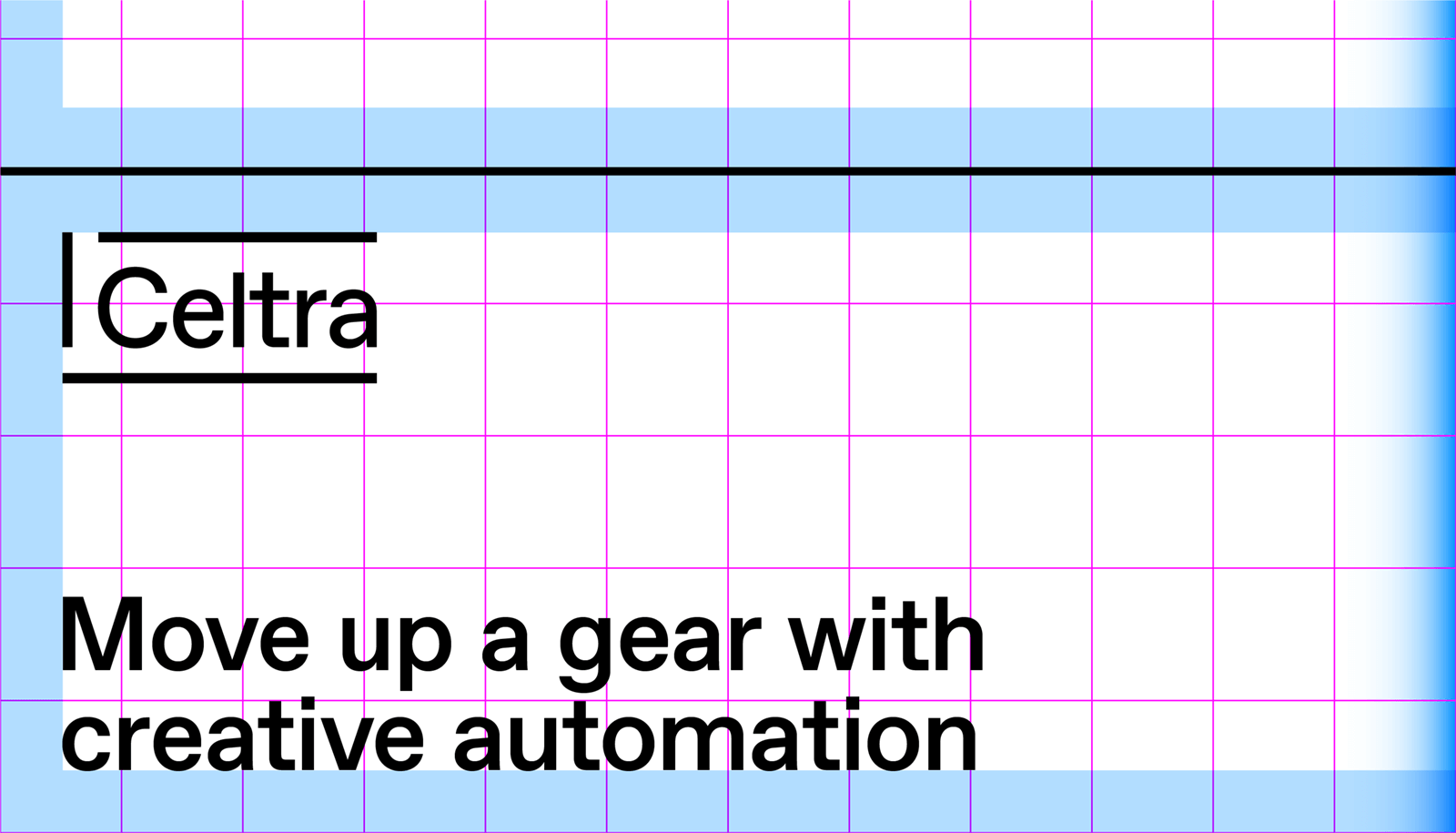
Every format is divided over a 12x12 grid. Gridlines should be drawn on these guides.
Gridlines should have a consistent look and thickness, based on the thickness of the line in the logo.
Each grid cell has its own inside margins for the typography and logo.
Grid in the negative (example)
 The grid in negative swaps black and white. 
 The background turns black while the gridlines are now white. Celtra’s colors remain the same.
 Typography and logo are white on a contrast background.
Wrong grid use
A grid with all squares filled.
A grid with unnecessary small/weird elements. 
A grid with centered artwork/graphics that don’t fill the edges. 
A grid that breaks content.
A grid shouldn't have more than 2 equal parts.
A grid with colored or dashed lines.
03 Color

Celtra’s identity utilizes a wide range of colors and gradients. You should use this palette in both functional and surprising ways to create unexpected and bold designs.

Primary brand colors

The primary brand colors are Celtra Lollipop Pink and Celtra Candy Blue. They always appear in full tone. When it comes to these colors, there’s no room for DIY - they shouldn’t be darkened, lightened, or displayed transparently.

Celtra Lollipop Pink
HEX — FF51A7
RGB — 255 81 167
CMYK — 0 100 0 0
Pantone 806
Celtra Candy Blue
HEX — 008FFF
RGB — 0 143 255
CMYK — 100 40 0 0
Pantone Process Cyan
Background colors

The background color is mainly white or black. But since the world isn’t black and white, the color palette can be extended to include grey tones for functional applications of user interfaces.

Celtra White
HEX — FFFFFF
RGB — 255 255 255
CMYK — 0 0 0 0
Celtra Black
HEX — 000000
RGB — 0 0 0
CMYK — 0 0 0 100
Secondary brand colors
Fill colors

The secondary brand colors are Celtra Lemon Yellow and Celtra Peppermint Green. They should be used sparingly throughout illustration, photography, and product to maintain meaning and potency.

Celtra Lemon Yellow
HEX — FFFF00
RGB — 255 255 0
CMYK — 6 0 100 0
Pantone Process Yellow
Celtra Peppermint Green
HEX — 00FF6C
RGB — 0 255 108
CMYK — 50 0 100 0
Pantone 802
Gradient colors

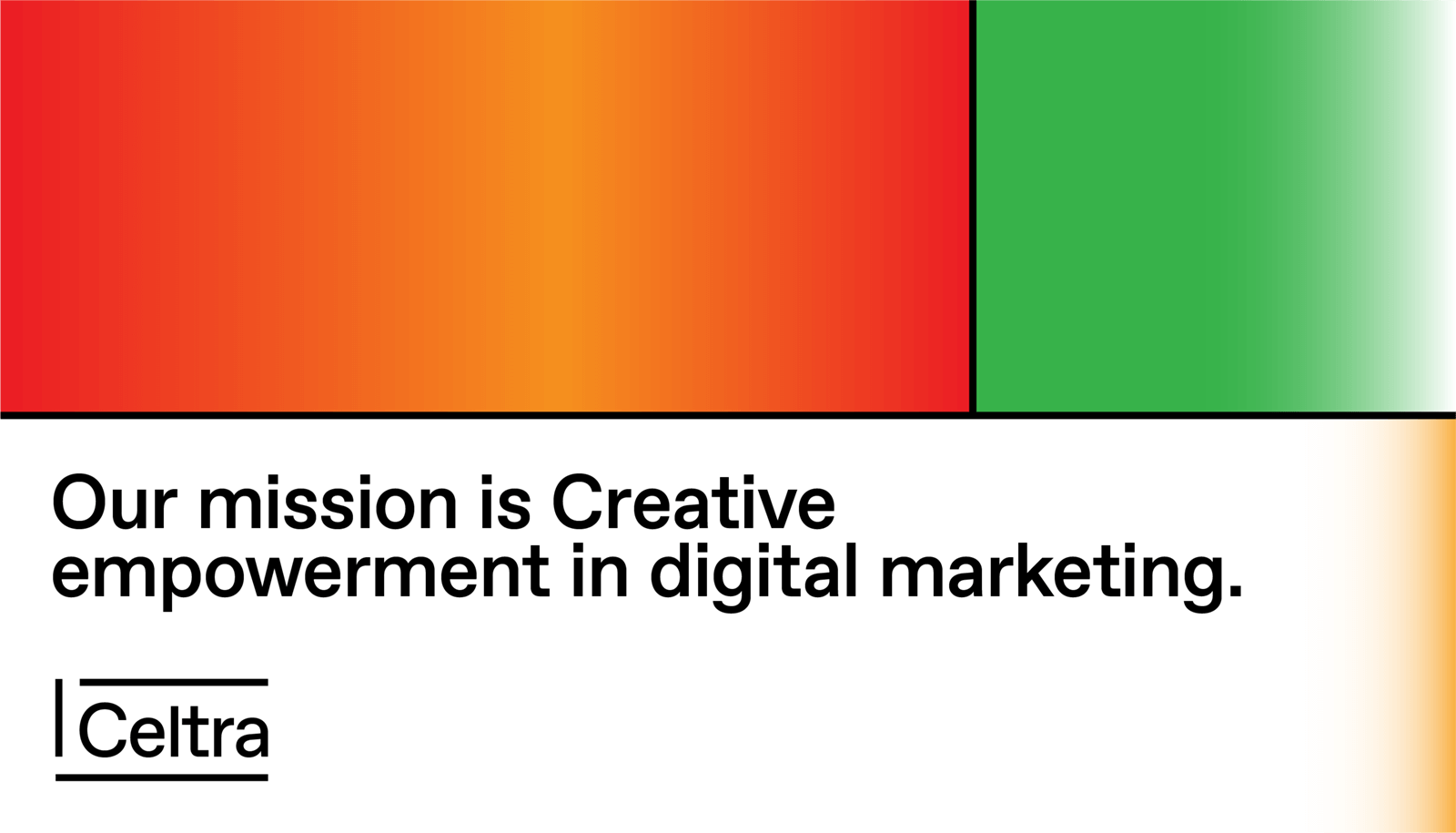
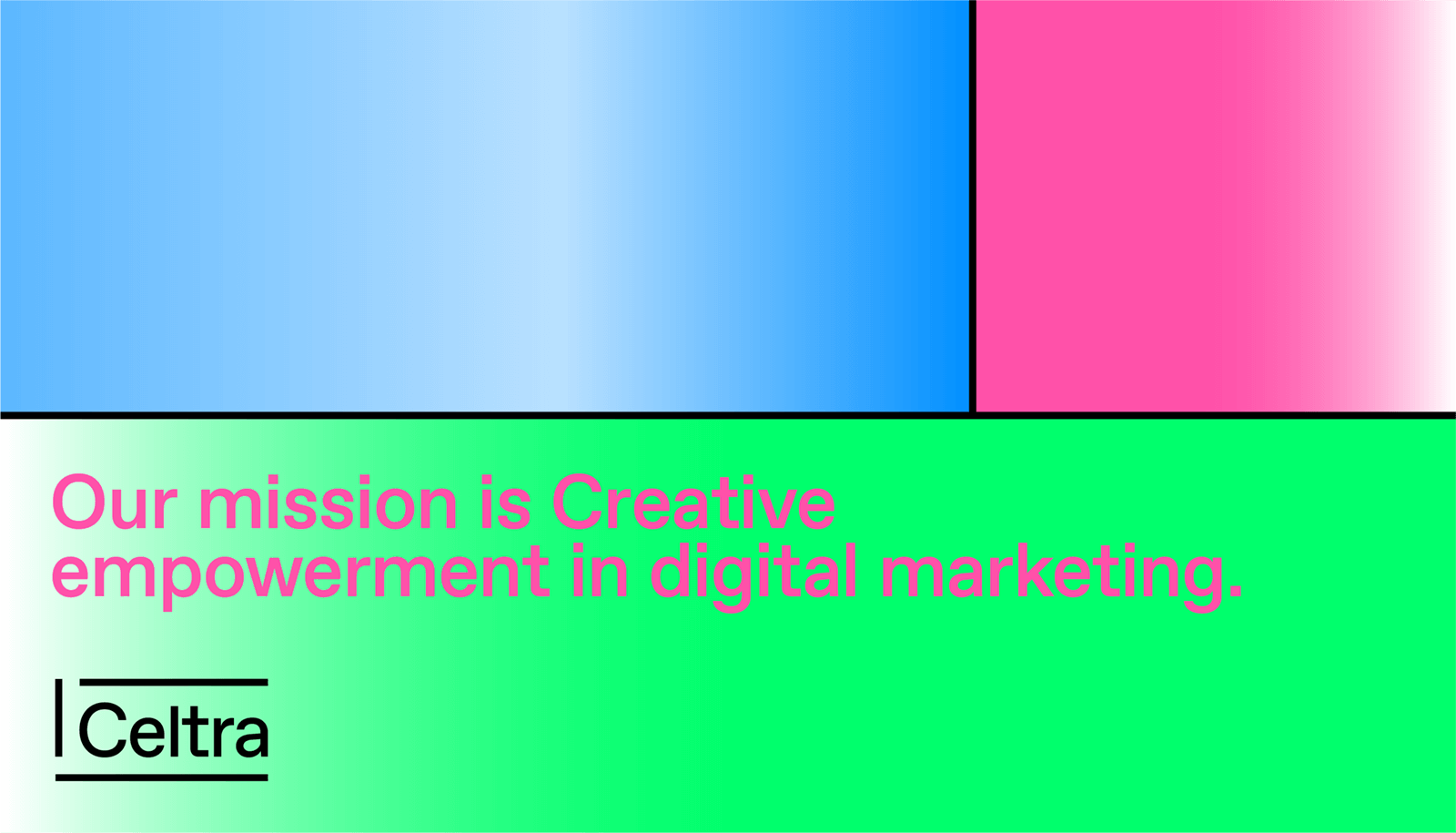
These are predefined swatches that derive from primary and secondary colors and are available for download. While you should aim to make the content as dynamic as possible, the look is all about consistency, so however much you’d like to, don’t mix gradient colors on your own.


Sherbet
Matcha
Donut
Chewing Gum
Bonbon
Jelly
Strawberry
Gummy
Sorbetto
Macaron
Panna Cotta
Cupcake
Ice Cream
Smoothie
Marshmallow
Tiramisu
Jawbreaker

Primarily used for CA applications.

Mint Cake

Primarily used for CE applications.

How to use color
Ways to incorporate color
 Use color to add meaning
 Start with fewer colors and gradually add more
 Use contrast to separate forms
 Experiment with new color combinations and effects
Background color

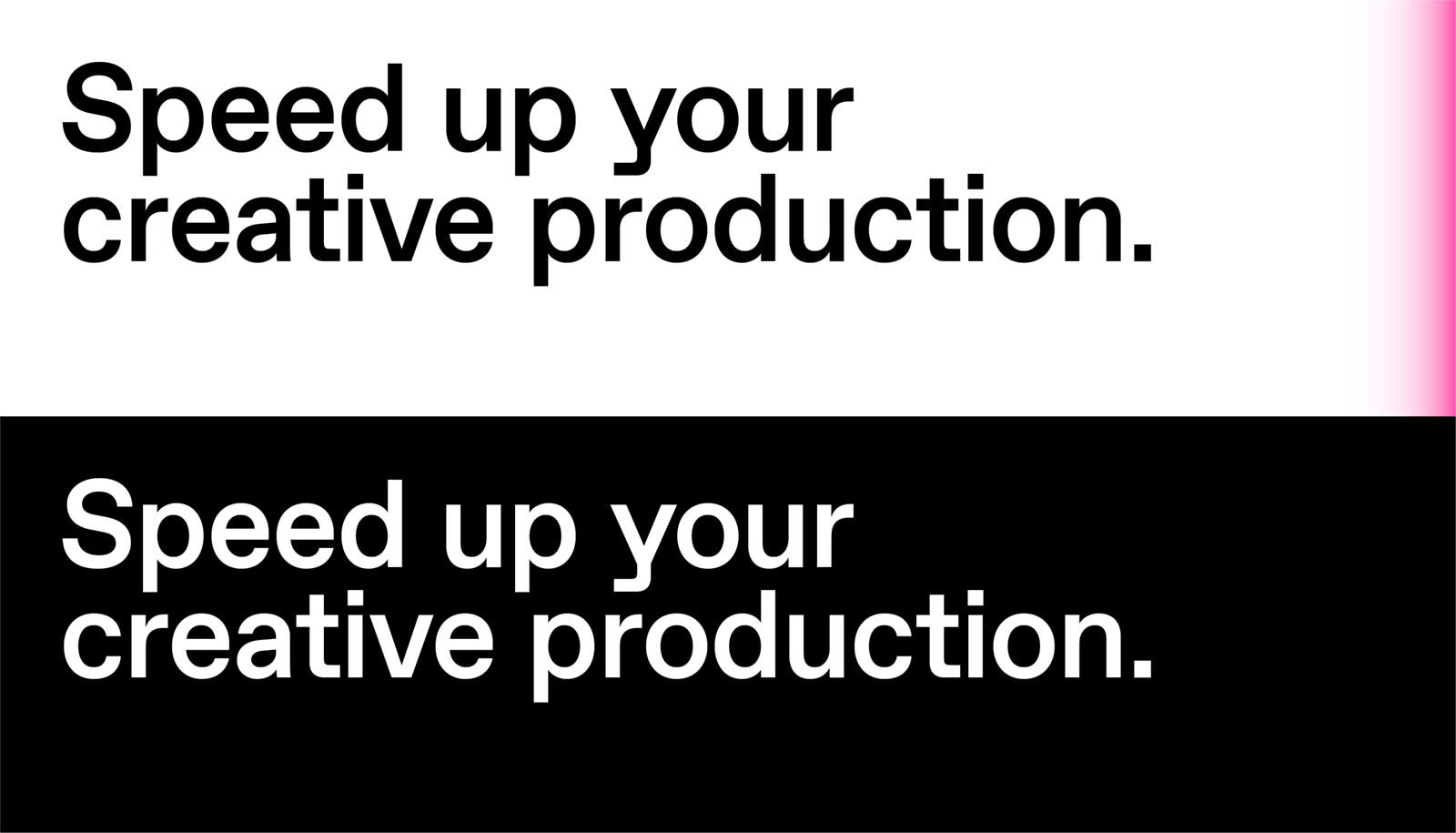
A short gradient finish on the main text background establishes the recognizability of Celtra’s language even on the smallest of materials. It should be used when possible, with the following settings.


White to pink
linear-gradient(90deg, #FFF 95%, #FF51A7)
White to blue
linear-gradient(90deg, #FFF 95%, #008FFF)
Black to pink
linear-gradient(90deg, #000 95%, #FF51A7)
Black to blue
linear-gradient(90deg, #000 95%, #008FFF)
Wrong use
Don’t mix in new colors that aren’t defined.
Don’t colorize all text.
Don’t cover the grid cells with flat colors.
Don’t combine similar color shades and gradients.
Applications
Color in graphics
Try new color combinations, effects, gradients, mesh tools, and more.
Color in texts
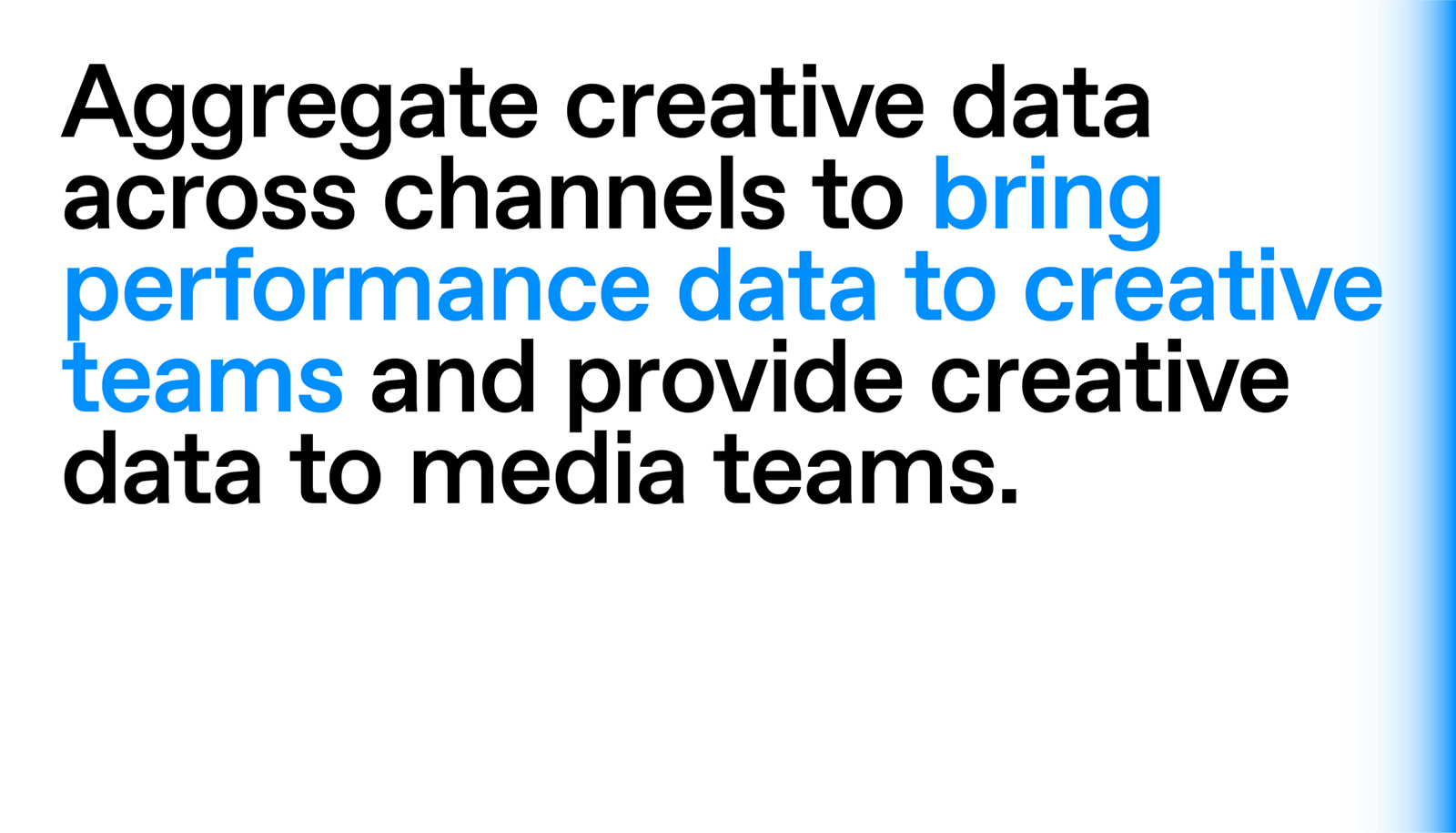
Colorful texts are used in Nitro and for emphasis in text.
Color in photography
Search for colorful accents in photography.
Color in illustrations
Embrace the limitations of the colors and search for new ways of implementing them.
Color in interfaces
Use colors purposefully for different actions.
Color in infographics
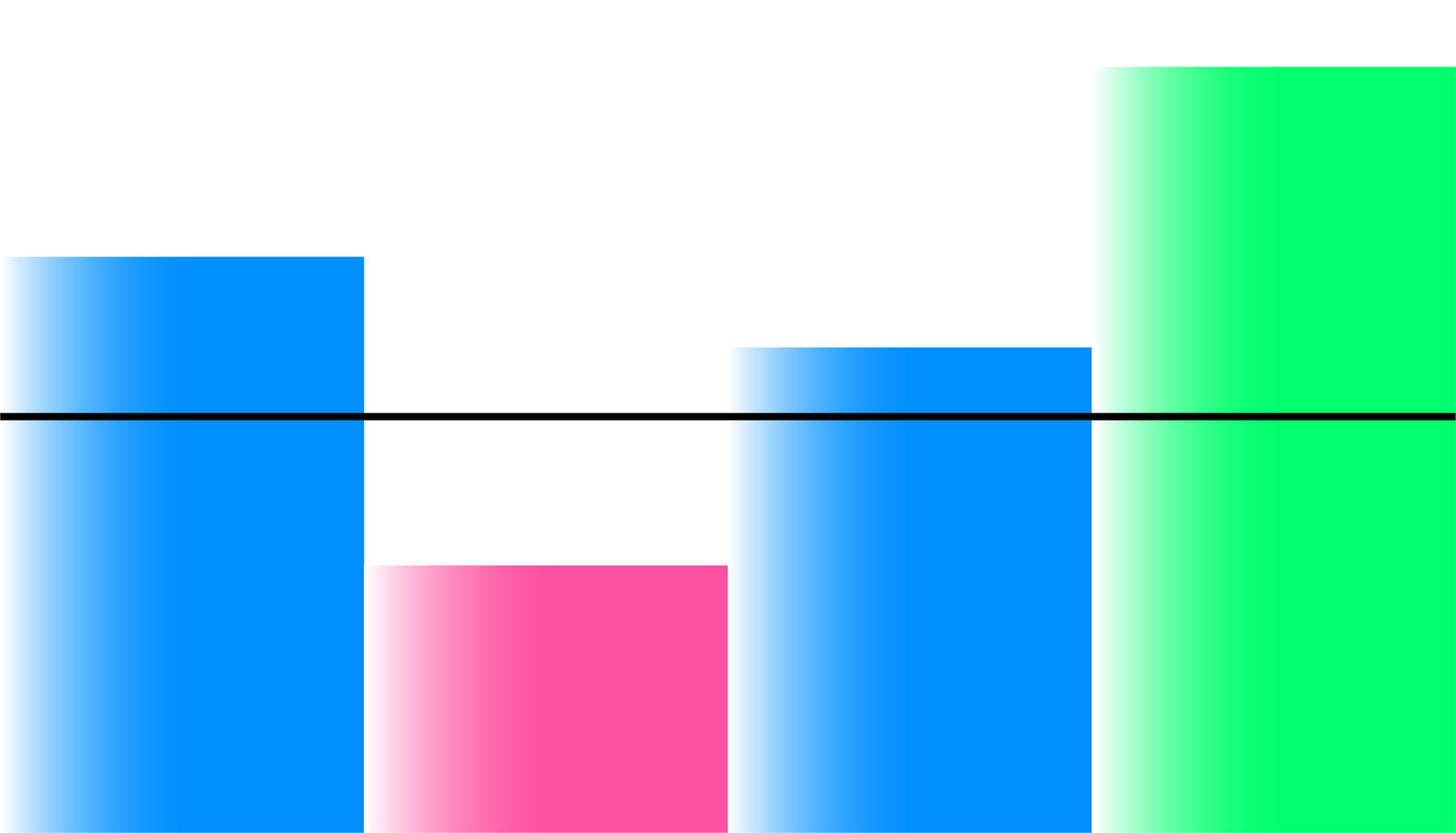
Separate different information with meaningful colors.
04 Typographic System

We aim for clear and exciting typographic structures to enable consistent visual communication across all media.

Favorit, System font & Nitro

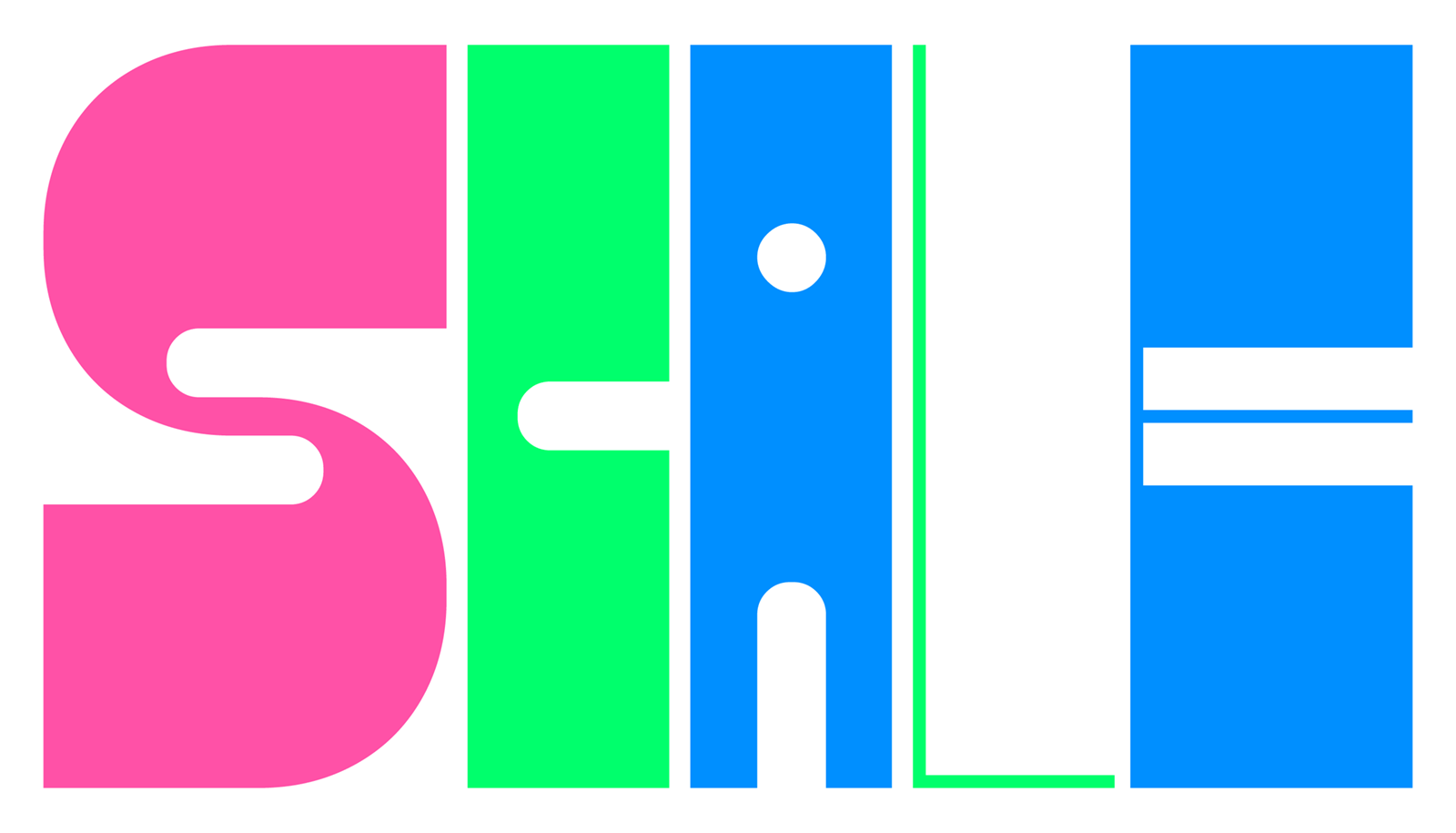
Favorit is the most widely used font of Celtra. Nitro is used for external communication and works as a graphic. It should never be used for full sentences - just highlights and titles. Helvetica is used for quick presentations, Google Docs, and other situations where Favorit isn’t available.
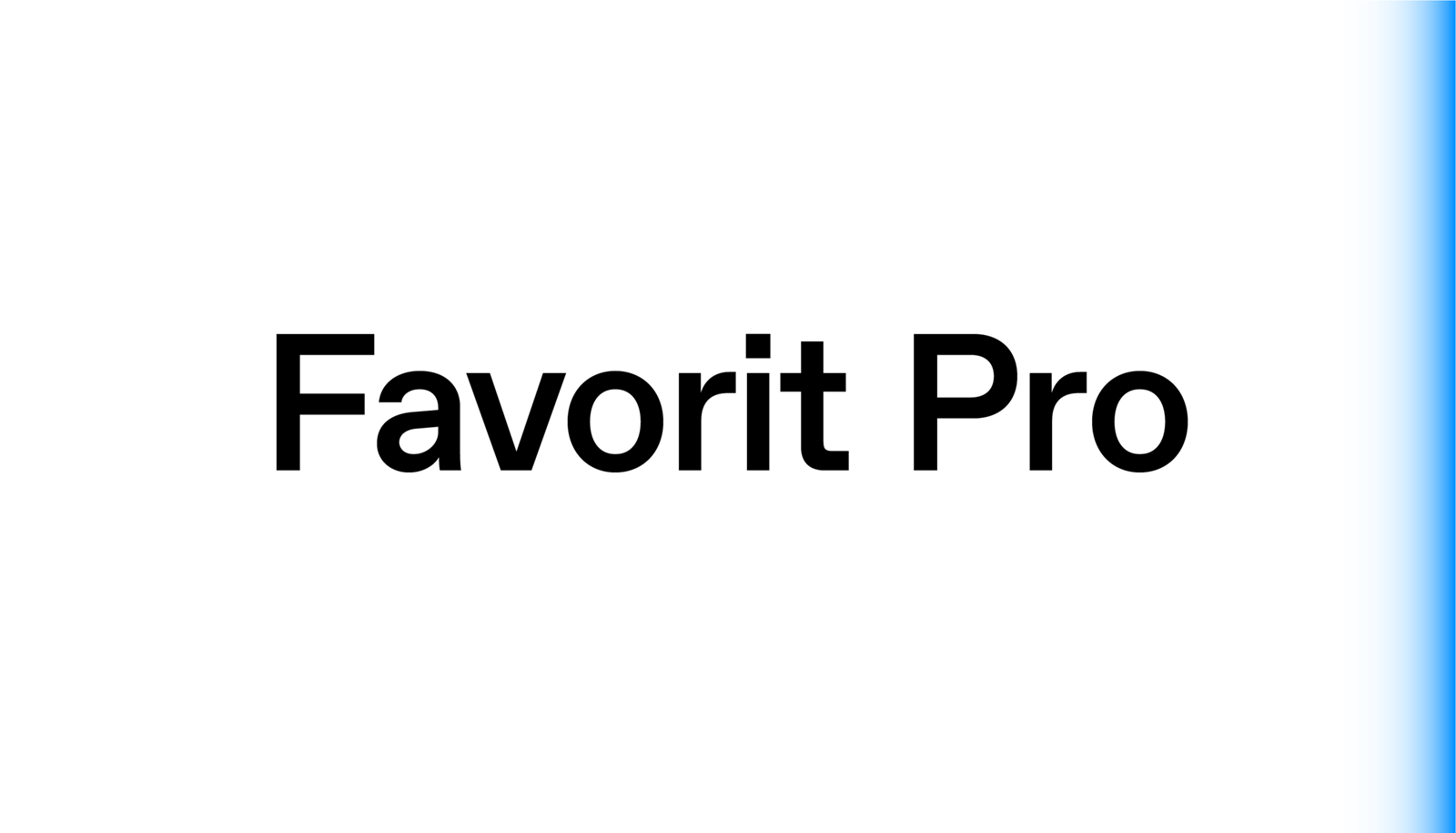
Favorit
a straightforward low-contrast grotesque that combines a contemporary look with a humorous touch.
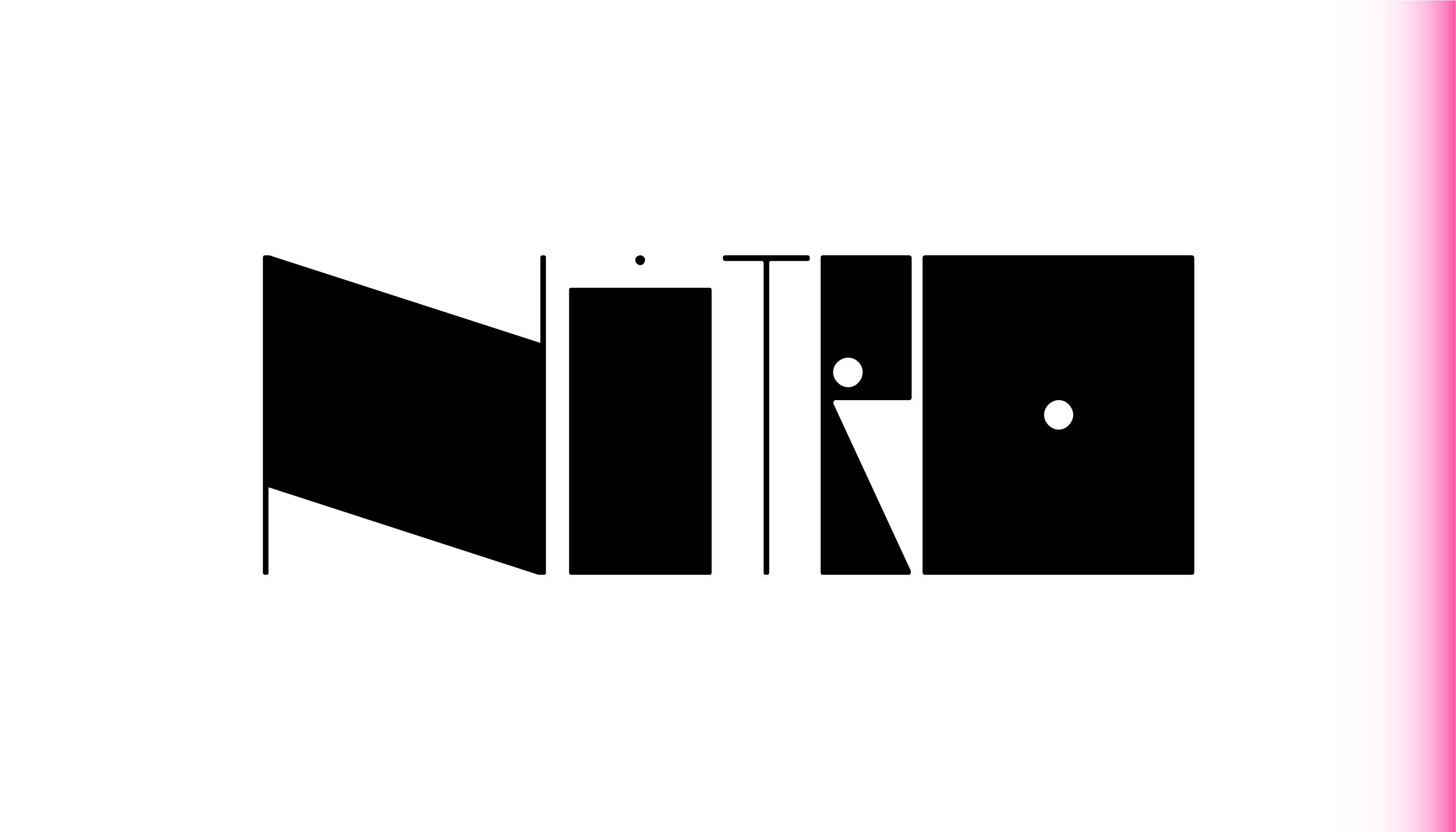
Nitro
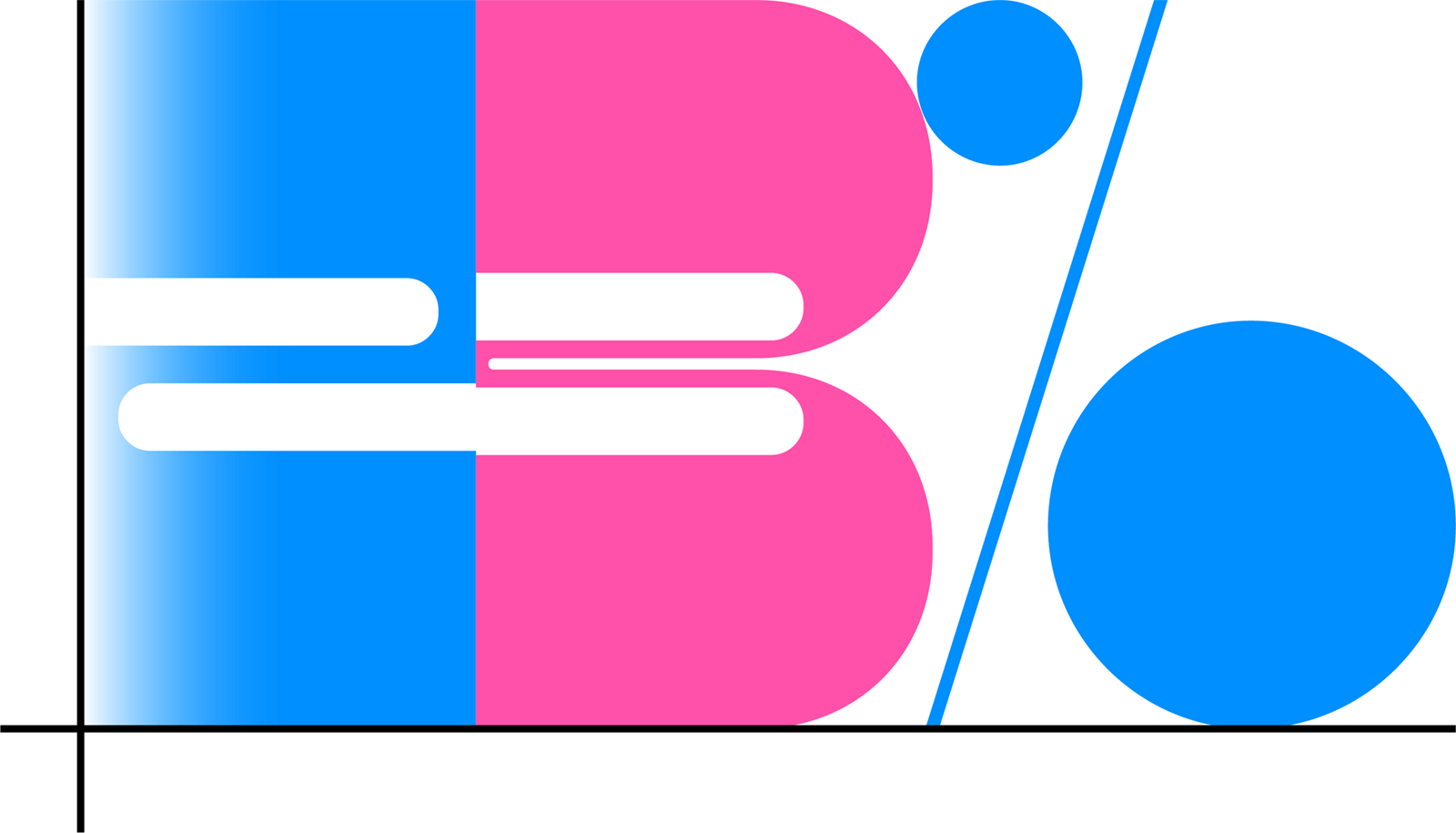
a recognizable custom variable typeface that adapts its size and takes inspiration from limitless digital formats. 
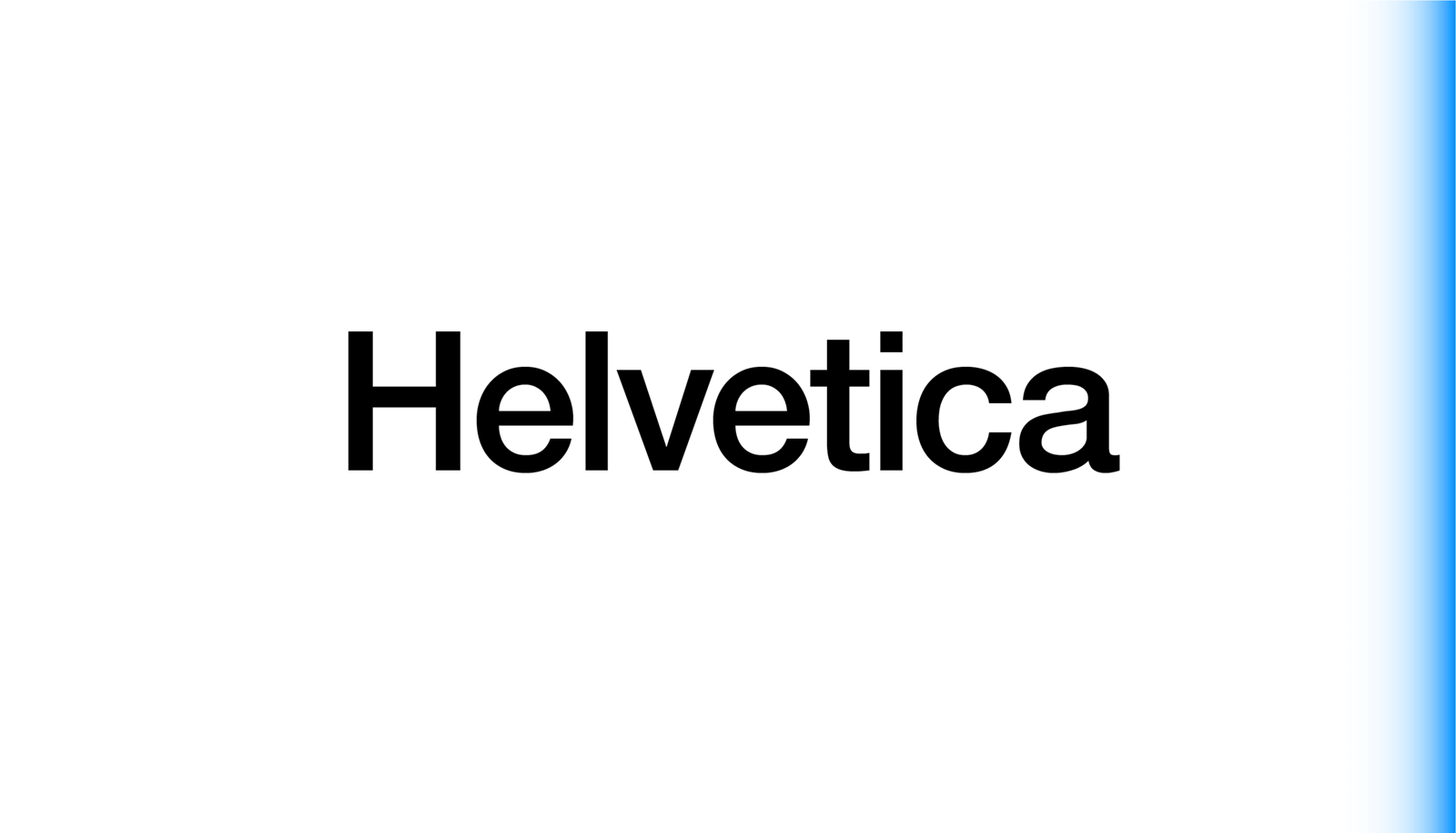
Helvetica
a neutral sans serif that’s become one of the most influential and recognizable typefaces of the 20th century.
Typography Guidance
Typography is mainly used in black or white with high contrast.
Highlights are made with colors, highlight colors or bolding.
If possible, avoid all caps except when using Nitro.
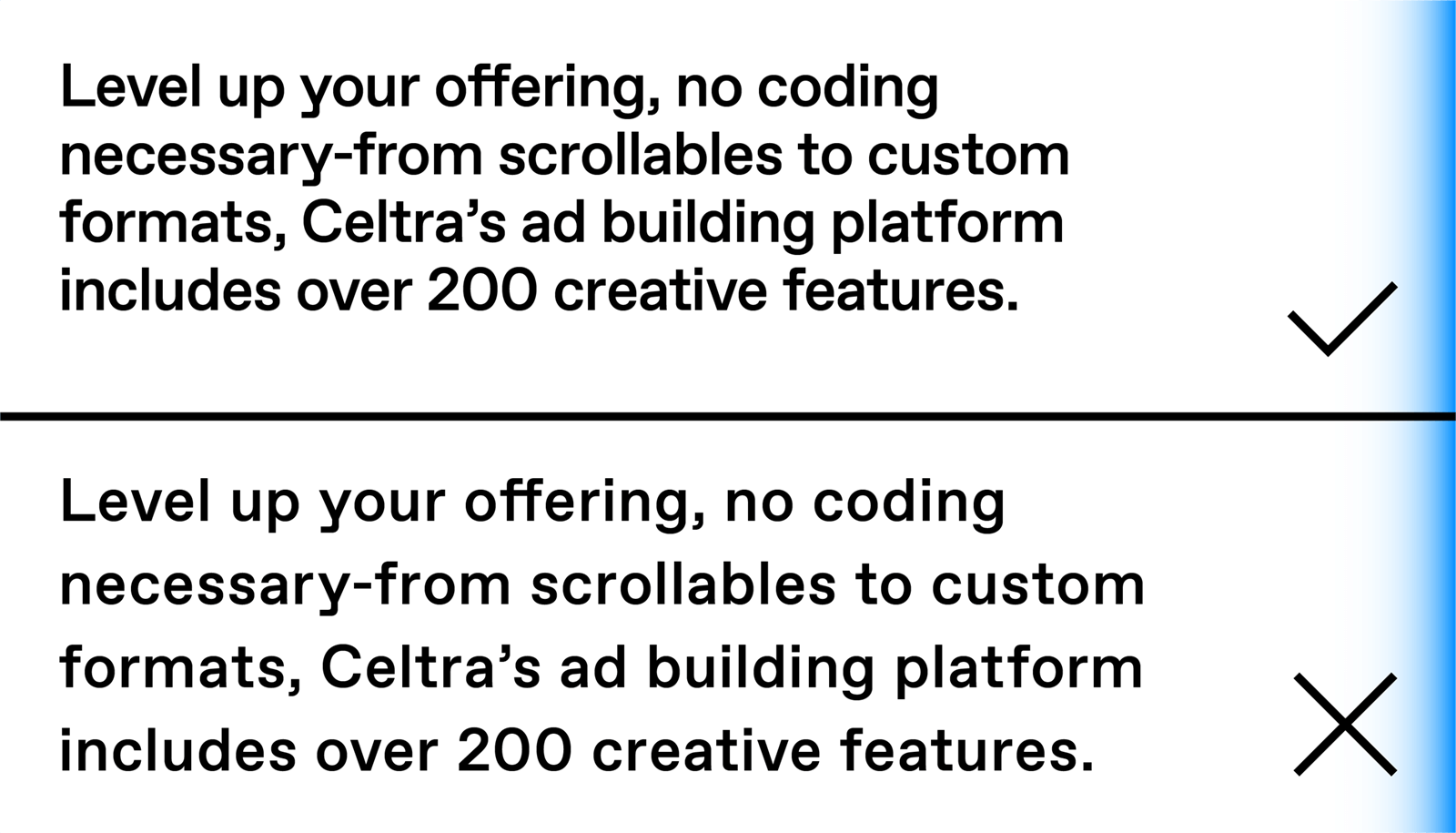
Do not manually adjust kerning or tracking.
Primary text alignment is ragged right, flush left.
Follow grids when doing a layout with text.
Pairing fonts

There are right ways and wrong ways to mix and match. Consistent type pairings bring clarity, consistency, and hierarchy to all communication materials.
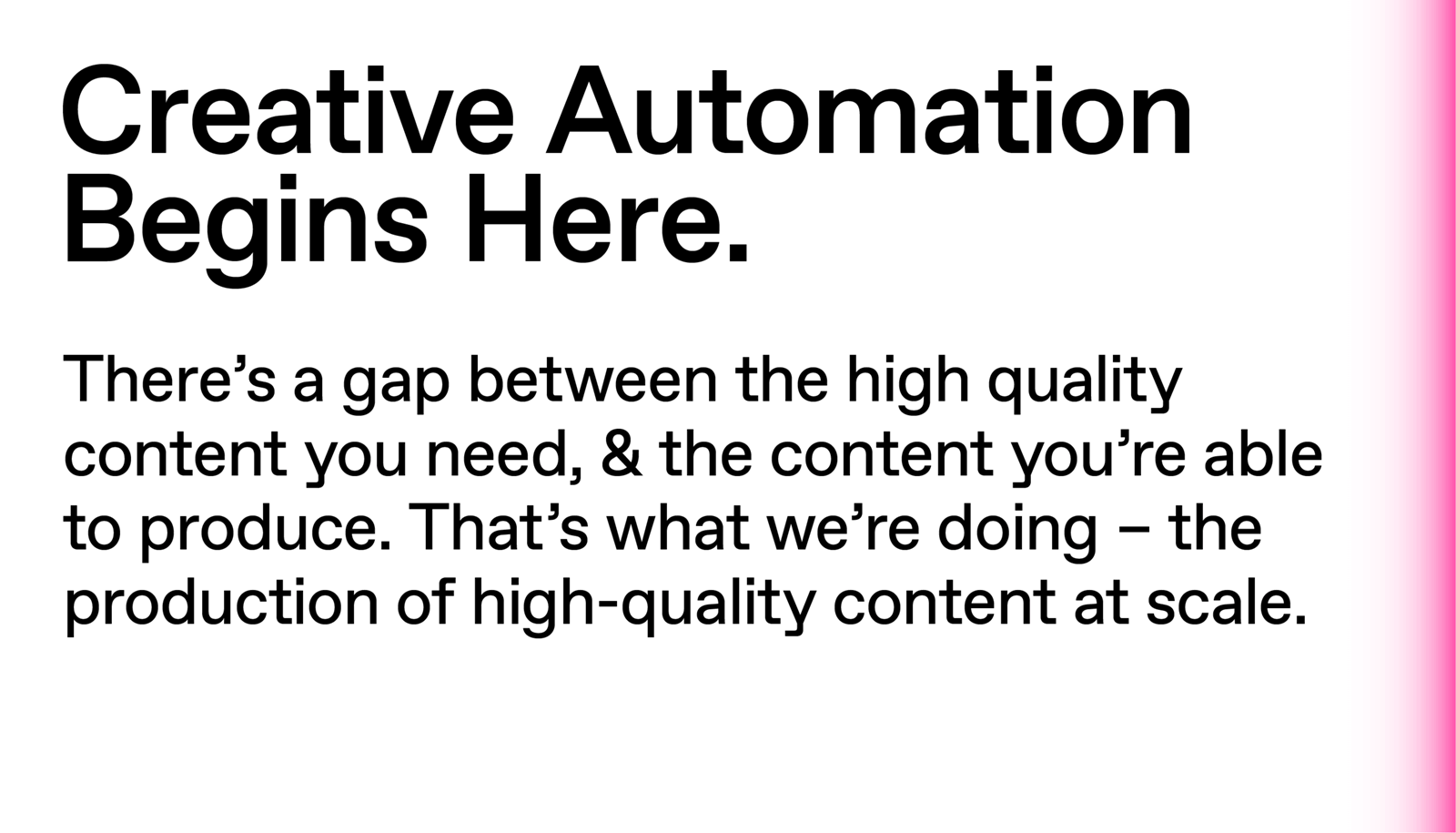
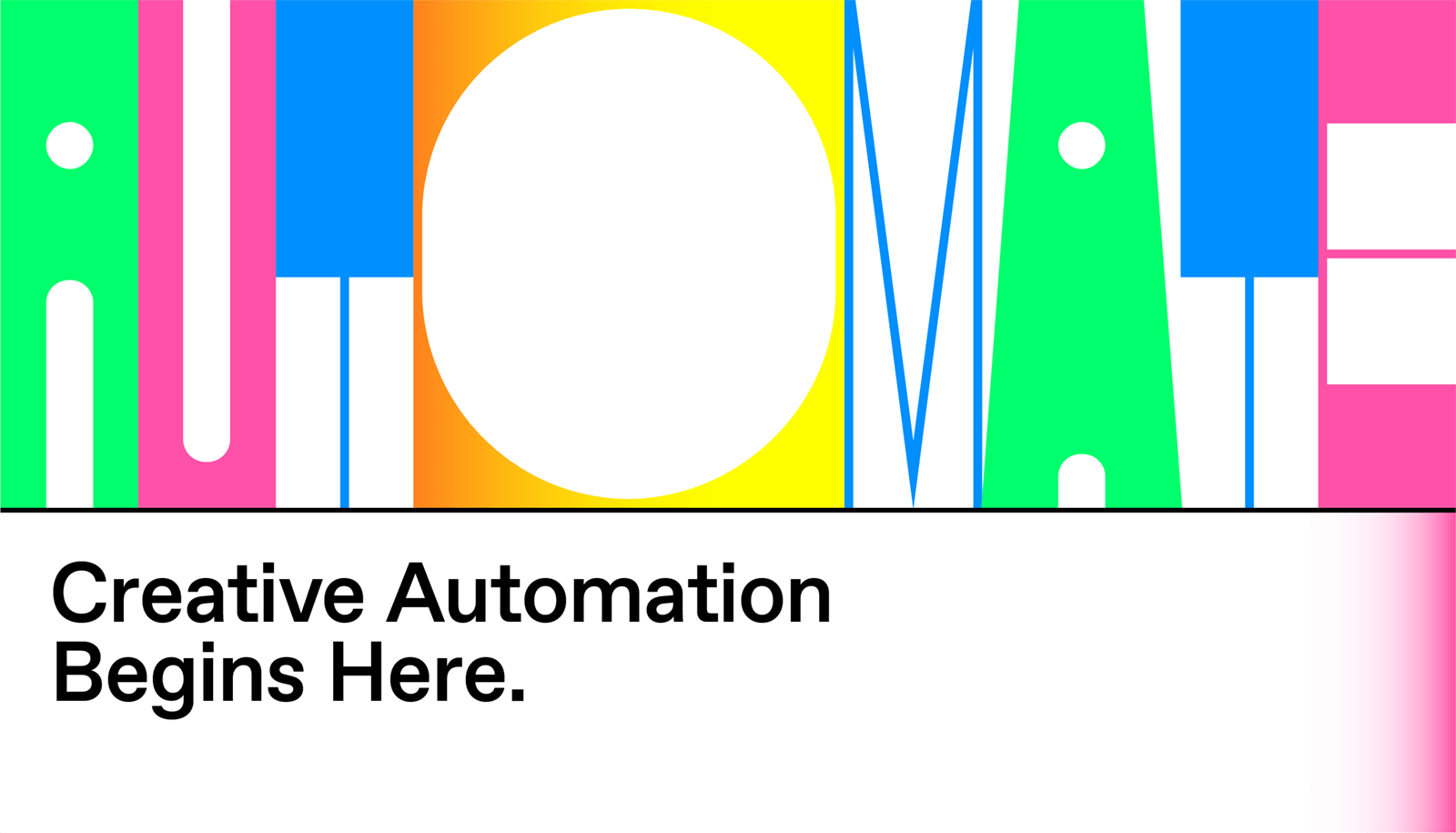
Combination 1
Favorit Regular + Favorit Medium
Combination 2
Nitro + Favorit Regular / Medium
Combination 3
Helvetica Regular + Helvetica Medium
Typographic waterfall
For consistent use of font sizes, we are using a list defined in REM proportions that facilitates adapting to various formats and dimensions.

Title Big

Favorit Pro Medium
font-size: 4.0rem;
line-height: 3.75rem;
letter-spacing: -1px;

Title

Favorit Pro Medium
font-size: 3.5rem;
line-height: 3.4rem;
letter-spacing: -1px;

Heading Big

Favorit Pro Medium
font-size: 3.0rem;
line-height: 2.9rem;
letter-spacing: -1px;

Heading

Favorit Pro Medium
font-size: 2.5rem;
line-height: 2.5rem;
letter-spacing: -1px;

Heading Small

Favorit Pro Medium
font-size: 2.0rem;
line-height: 2.0rem;
letter-spacing: -1px;

Text Big

Favorit Pro Regular
font-size: 1.5rem;
line-height: 1.75rem;
letter-spacing: 0px;

Text

Favorit Pro Regular
font-size: 1.25rem;
line-height: 1.5rem;
letter-spacing: 0px;

Text Small

Favorit Pro Regular
font-size: 1.0rem; (usually set to 16px)
line-height: 1.25rem;
letter-spacing: 0px;

Text Micro

Favorit Pro Regular
font-size: 0.75rem;
line-height: 1.0rem;
letter-spacing: 0px;

Examples of typography use
No grid
 No grid
 Favorit or system font
 Centered font
Grid
 Grid with two cells or more
 Favorit or system font
 Nitro
 Left-aligned text
Typographic hierarchy

The hierarchical system that helps us achieve a consistent brand experience all around.

Contrast
Important elements should be bigger, highlighted, or in a different color.
Clarity
Group similar elements and use white space or grid to separate them.
Action
Key actions should stand out from the rest of the text and visuals.
Using Nitro

Nitro is a variable custom display font for external communication. Variable fonts significantly reduce the size of your font files, offer the option to adjust the height, width, and contrast of the individual characters, and make it possible to animate your font characters. It can be used in any graphic software, as well as the web.

Typography in relation
to imagery and color
Typography should either be black on light imagery or white on dark imagery.
Nitro can use any of the defined colors and gradients, ideally not just one.
Typography shouldn’t be placed over illustration or photography but set in a separate area.
When aligned with the logo, the typography and the logo should be the same color.
05 Imagery

Celtra’s identity works with different types of imagery and uses various principles to maintain consistency and recognizability. Imagery can both enhance user experience and express the brand's tone. There are four types of imagery: graphics, illustration, photography, and icons. Each category has its own rules, but they all follow three general principles:


Enhance meaning
Celtra’s graphics should add to the message, not just repeat what is being written. They can work as an element of surprise, a curiosity, a humorous addition, or an abstracted explanation of the subject. Their goal is to attract attention.
Unexpected metaphors
Since Celtra’s products are often hard to visualize, metaphors are essential. Always avoid tech motifs, office environments, and stock image ideas. These include laptops, smartphones, screens, people working, work stations, meetings, handshakes, extreme enthusiasm, and so on.
Abstract but meaningful
Weird and abstract is better than plain and straightforward. But while we advocate for less obvious ideas on the metaphor spectrum, imagery shouldn’t just be random visual noise screaming for attention out of context. Meaning is important and imagery is here to enhance it.
Examples of imagery
Simple
Focus on clarity. Content should be prominent. The illustration should be used only to enhance content.
Complex
Go wild with graphics and introduce Nitro. Treat Nitro as a graphic - combine it with great photography, illustration, or graphics.
Graphics
Celtra’s graphics are used in internal and external communication. They are vector-based with a distinct style and strong use of Celtra colors.
Principles for Celtra’s graphic style
Composition
Graphics enter from the edges and fill the format. Avoid floating items and too much empty space.
Focus
Don’t overdo it - a single visual idea is enough. If the content is too complicated, focus on simpler or more interesting parts of it.
Colors
Stick to Celtra’s colors, gradients, color ratios, and overall graphic style. See previous examples and graphics tutorial for details. Be creative, but within the constraints.
Backgrounds
Keep it simple. Use colorful, plain backgrounds without too many details in the back.
Simplify
Simplify your drawing. If someone is saying something, it needs a mouth. That doesn’t mean it also needs a nose, eyes, eyebrows, or hair.
Enhance
Say it, then spray it - use visual language to enhance meaning through metaphors, not just repeat it.
How to build graphics in Adobe Illustrator (video tutorial comes here)
1. Pen tool
Draw motifs.
2. Color
Set the mood.
3. Gradients & Mesh tool
Create space.
Blog Illustrations
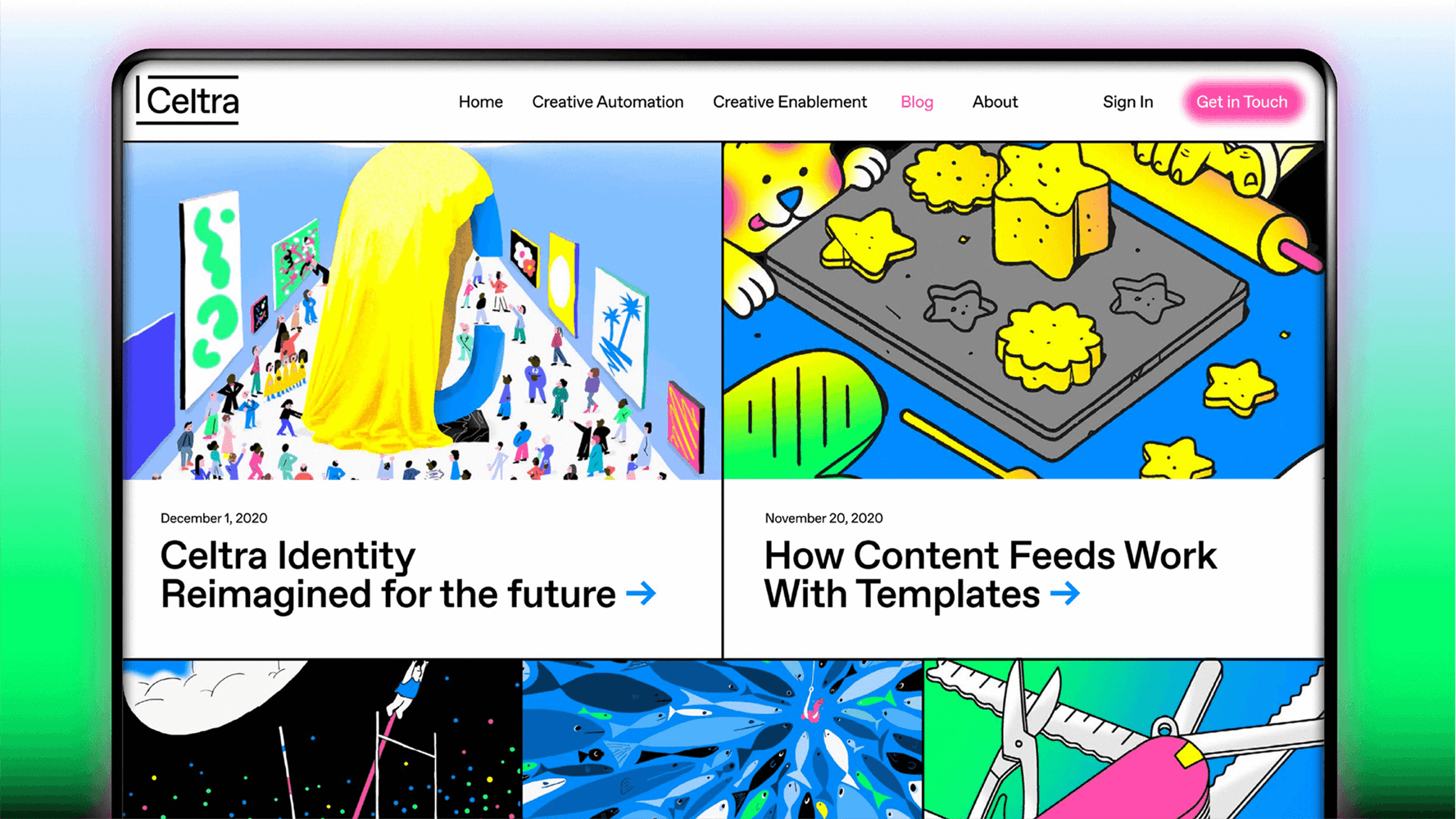
Celtra’s illustrations are outsourced and commissioned for each new blog post.

Distinction

These aren’t the same as brand graphics. They should look and feel editorial.

Versatility
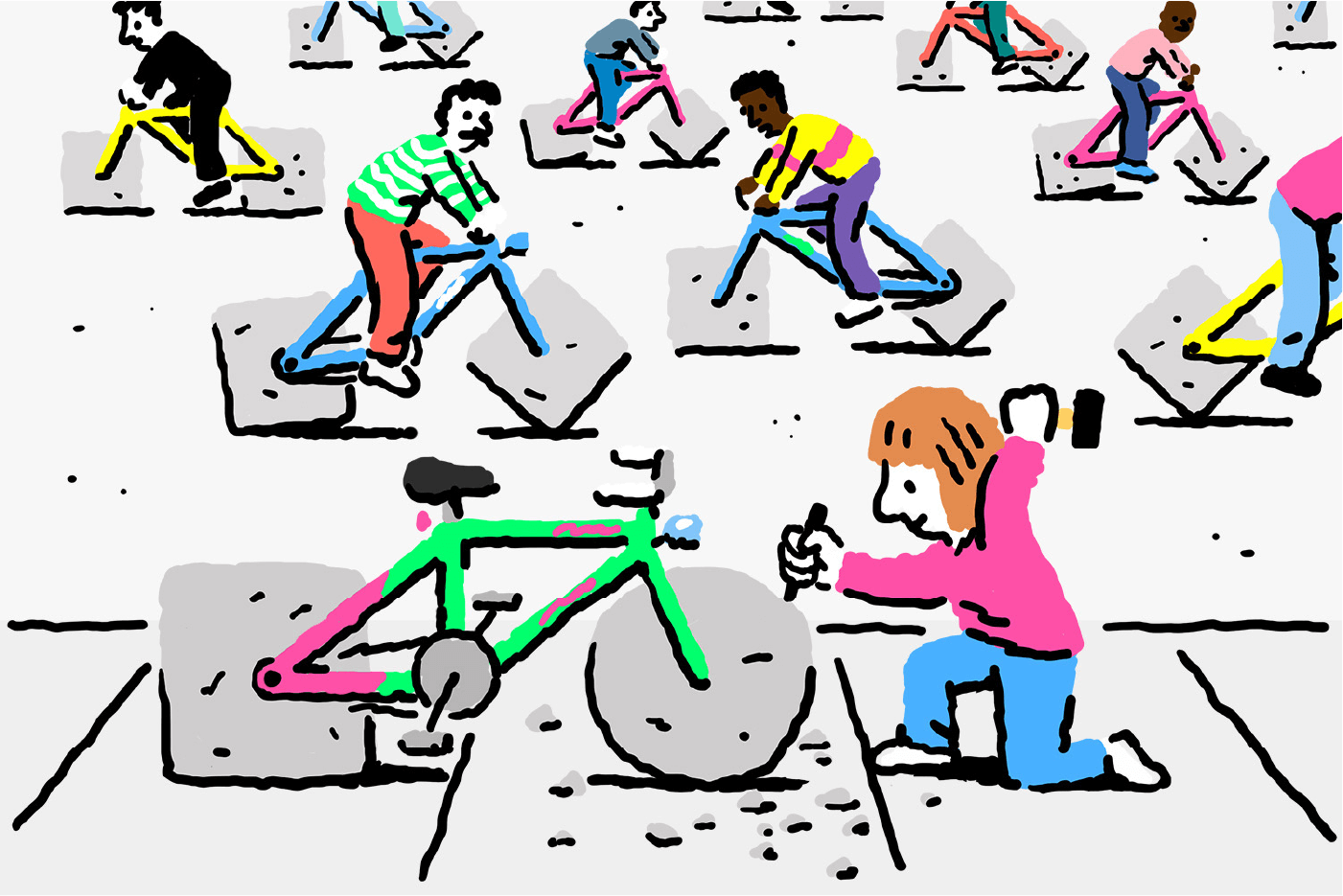
Consistency comes from quality, not by everything looking the same.

Style
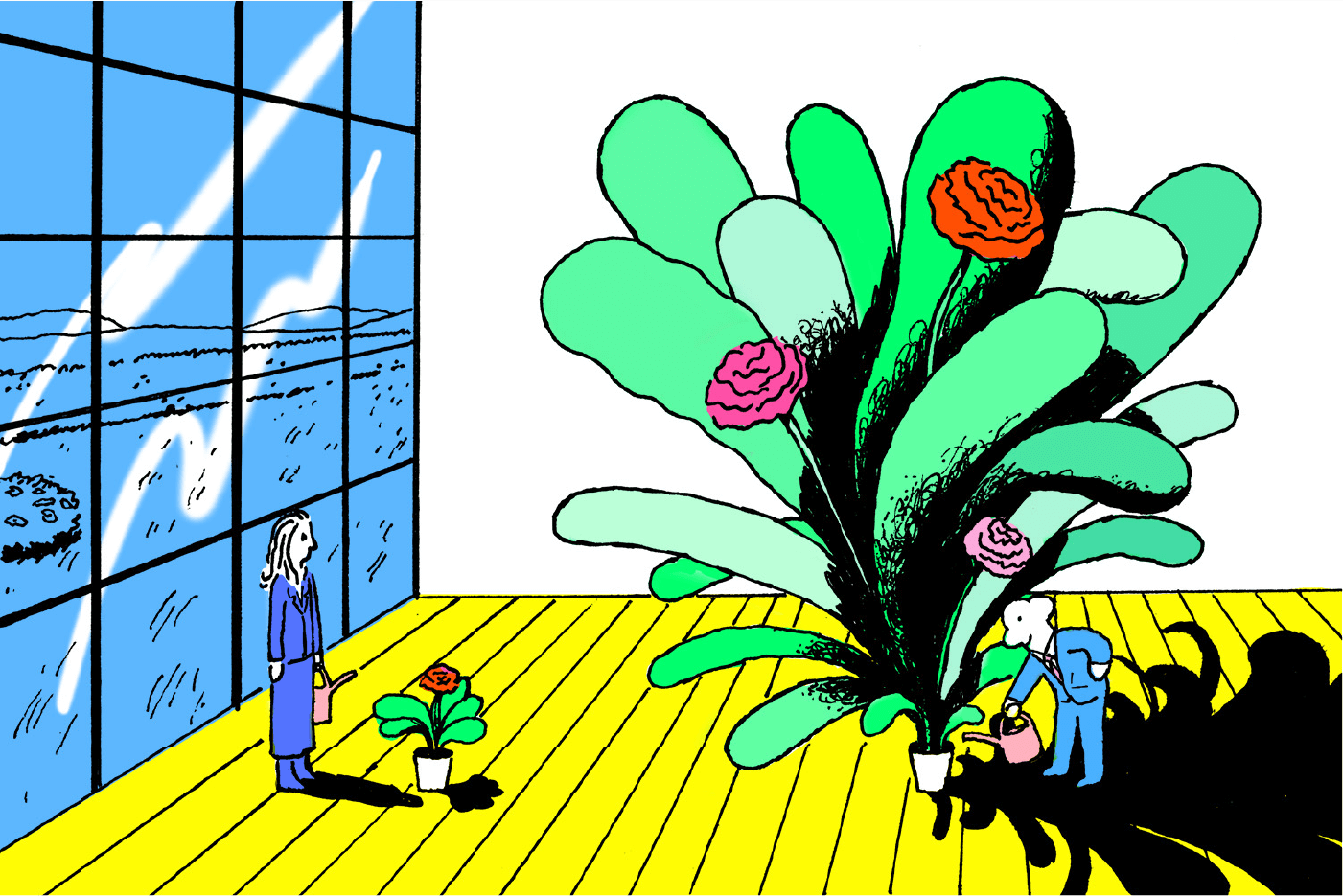
Embrace the illustrators and their unique styles. Pick the ones whose style is close to the overall look of the blog.

Limitations

Don’t let them get too carried away. Always consult the Celtra brandbook when it comes to colors and gradients.


Art direction tips
1. Intro
Introduce the illustrator to Celtra’s brand and graphic rules. Present them with examples of previous blog illustrations.
2. Brief
Present a clear brief, synced with the rest of the team.
3. Sketches
Ask for two or three sketches.
4. Confirm sketches
Have the sketches confirmed before requesting the final output from the illustrator. 
5. Style
If the illustrator uses several different styles, be sure to let them know which one you prefer.
6. Kill fee
We recommend a 50% kill fee. More often than not, this leads to better sketches and also results in fair compensation in case you’re not happy with what you get. Once the illustrator delivers the final output, he/she should be compensated in full, no matter when/if the illustration gets published.
Photography
Suggestions on how to use photography and work with photographers.
Composition
Keep it simple. A single visual idea should fill the frame.
Motifs
Use relatable people and fun motifs that people recognize.
Color
Employ natural light and colorful accents.
Space
Select exciting and not overused locations for photoshoots.
What style of photography and motifs to avoid
Avoid stock motifs (people using laptops).
Avoid office locations.
Avoid staged situations.
Avoid complex backgrounds that distract from the subject.
Avoid crowded setups with lots of people.
Avoid using low resolution photos or photos taken with a phone.
A photography moodboard for different use
Portraits
Professional studio shots with commissioned photographers, possible use of color backgrounds or filters in line with the overall Celtra look.
Lifestyle
In-house daily documentation of everyday life at Celtra with a strong focus on situations that happen between or after work.
Events
Collaboration with commissioned photographers, focus on people, authentic situations, and humor.
Steps to achieve a unified look of images from
different sources in post-production
1. Source
Find an appropriate photo.
2. Crop
Focus on one key subject.
3. Filter
Apply Celtra’s Lightroom or photoshop filter.
Icons
Celtra’s icons principles
Concept
Each icon expresses essential characteristics with a quirky twist.
Shapes
Simplify shapes and reduce elements to achieve maximum legibility.
Motifs
Use known metaphors and recognizable objects.
Space
Strive to fill a similar amount of space with each icon.
How to draw icons in Adobe Illustrator
1. Grid
Use a 24x24px grid for drawing icons and leave 2px of padding around the icon.
2. Line
Use consistent 4px stroke weights and rounded stroke terminals.
3. Fill
Fill with black, create details with white 4px stroke lines.
4. Edges
Use rounded corners 0px radius.
5. Clarity
To avoid distorting an icon, position it “pixel perfect” by making the X and Y coordinates into integers without decimals.
6. Export
When possible use SVG icons to achieve the best quality.
06 Animation

Rules and tips on how the identity works in motion.

Animation principles

Playful

Animations should be fun, approachable, colorful, and quirky. 

Structure

Grids safeguard information hierarchy and make slides understandable.

Simplicity

Try to communicate with more motion and fewer elements.

Clarity

Simple typographic layouts should be used to keep slides clear.

Creative rules for animation
Grid
Animate the grid one by one, one parameter (width, position) at a time.

Transitions
Transitions between screens happen as they are, on a large space separated by grids. Push up-down, left-right & diagonal.
Movement
Search for simple but quirky transitions and animations.
Title
We are using presets for various categories. The title should split into two parts - one part using a big Favorit title and the other a Nitro title or a graphic.
Text & Highlights
Text should be animated against a gradient background. For emphasis, we are using a soft background highlight.
Explanations
For better legibility, avoid overlapping text on the screencast. Use white backgrounds with a grid to separate them.
Layout
Text should be aligned left when the screen has grids and centered if there are no grids.
Stats
Text stats are displayed in a big Nitro font on a gradient background.
Icons
If you need to use icons, make sure they are big. Don’t overcrowd the screen with too many icons.
Logo
A black & white logo animation. Only the logo parts should be animated, while external elements stay static. Keep it short & simple.
Backgrounds
Backgrounds should be in color or gradient. Keep an eye out for excessive contrasts that can decrease legibility. Black backgrounds should be used to highlight the most important messages.
Graphics
Graphics should be used when communicating Celtra’s products. They should be split into assets and animated as motion images.

Technical rules for animation can be found in a separate documents (Dimensions, Screencast, Export, Loop)

07 Applications

Every application has its own specifics, these are most commonly used materials with tips, rules and templates for creating new designs.
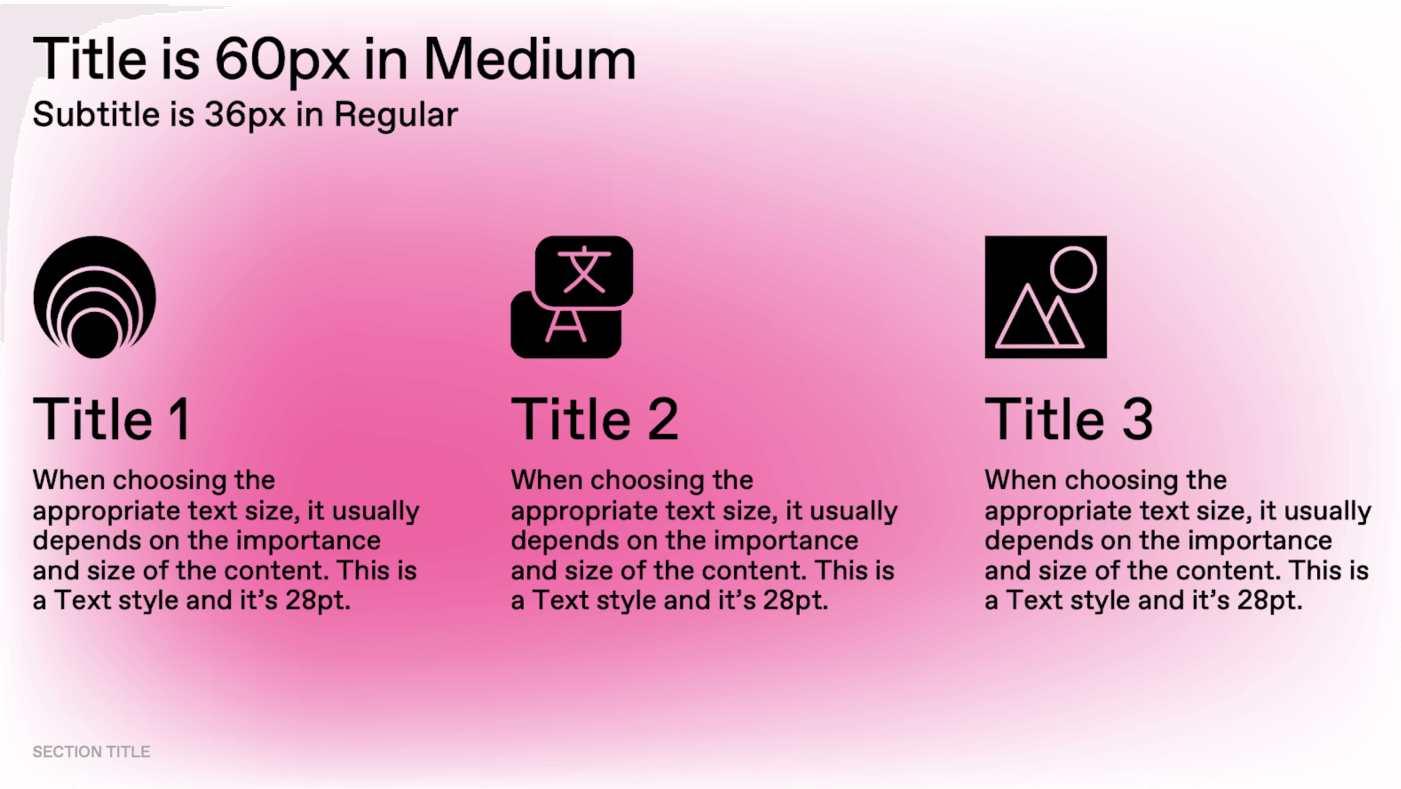
Presentation
Use predefined layouts and font size whenever possible.

Don’t overcrowd the slides.

Use graphics, photography and icons to illustrate your points.
Video
In transitions between screens, use the analogy of a large surface and a camera that moves around it.

Try avoiding mixing graphics and UI elements in the same screen.

Refer to the animation segment of the brand book for motion examples.
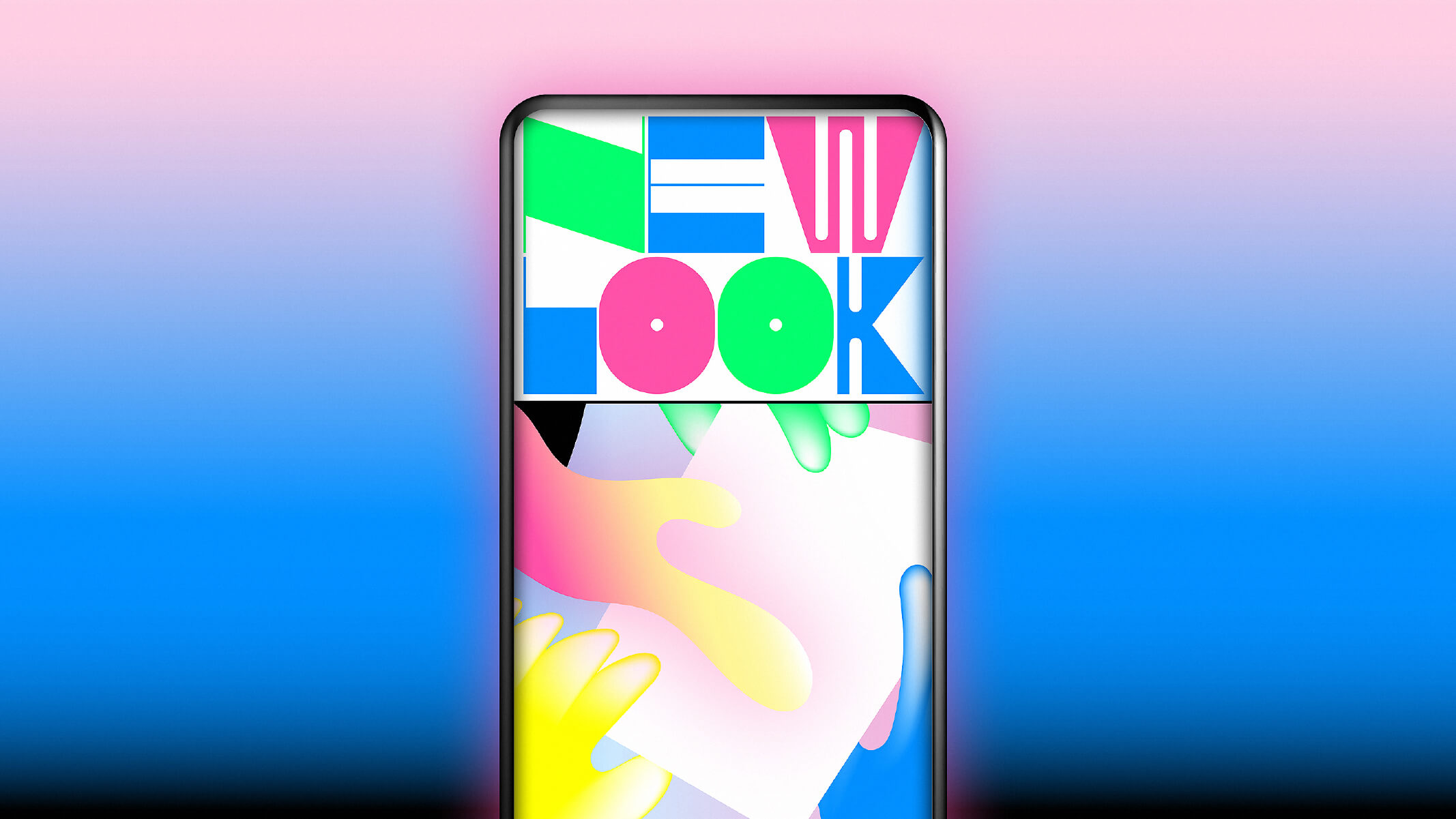
Social media
Use the correct template as defined in the social media examples.

Avoid using animated graphics, because of the compression.

Change covers at least every couple of months.

Refer to standard grid & typography rules as defined in the brand book
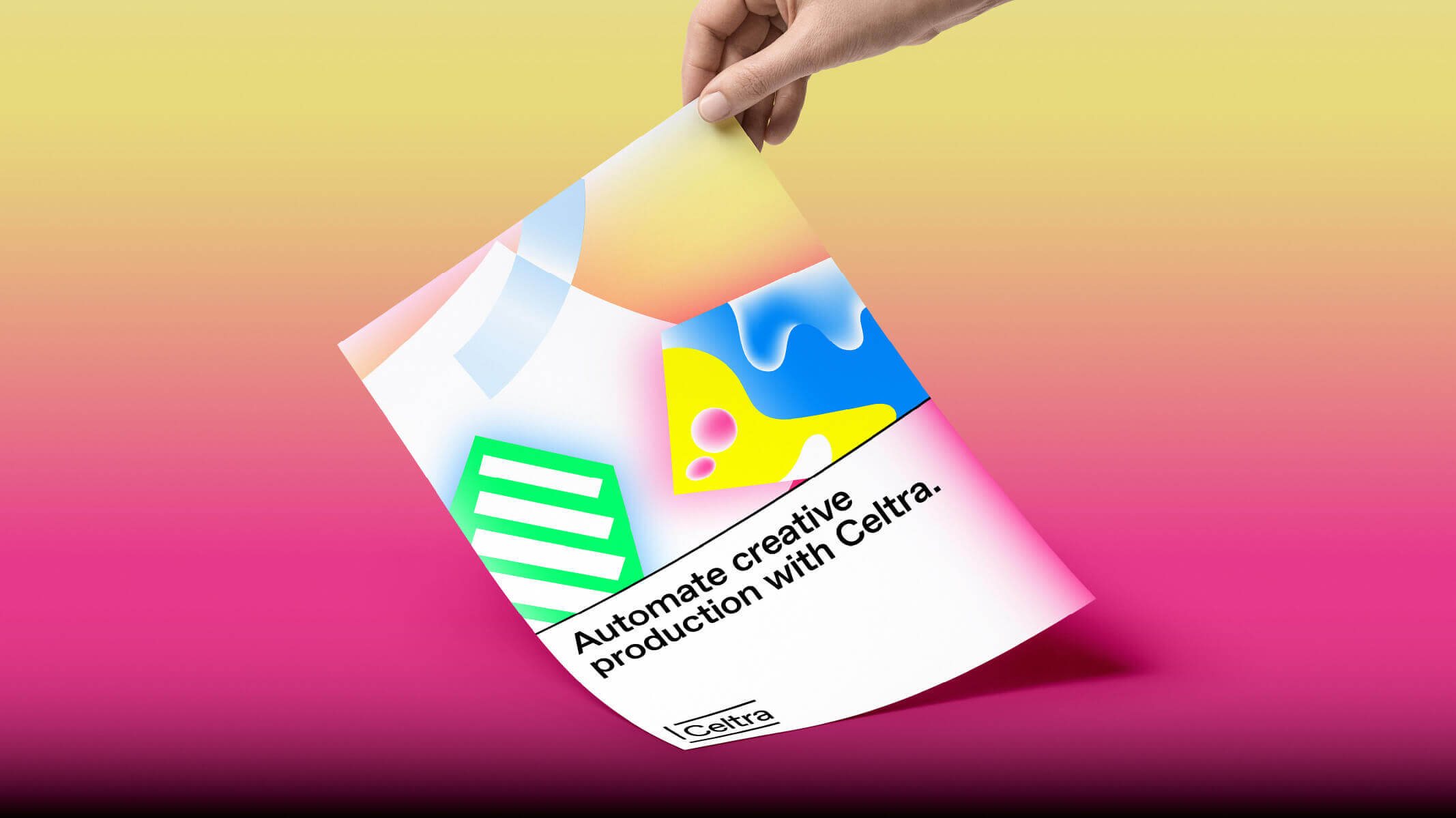
Digital ads
Use motion, animated graphics and videos when possible.

If there is a lot of content, split it in multiple screens.

Refer to standard grid & typography rules as defined in the brand book
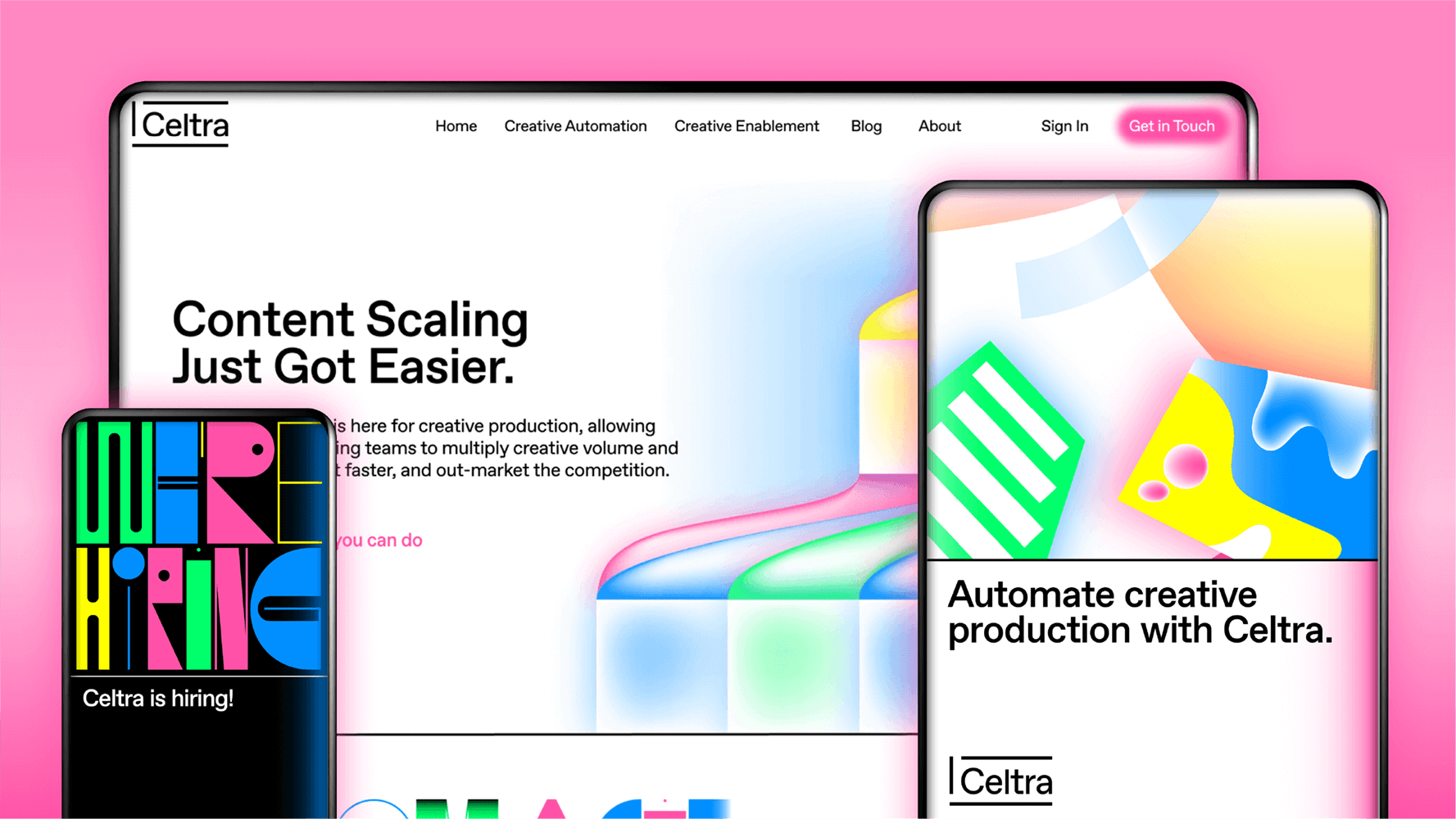
Printed ads
Use defined CMYK colors and try to reduce use of gradients for print.

Keep the copy short and adapt it to the situation or space where the ad is placed.

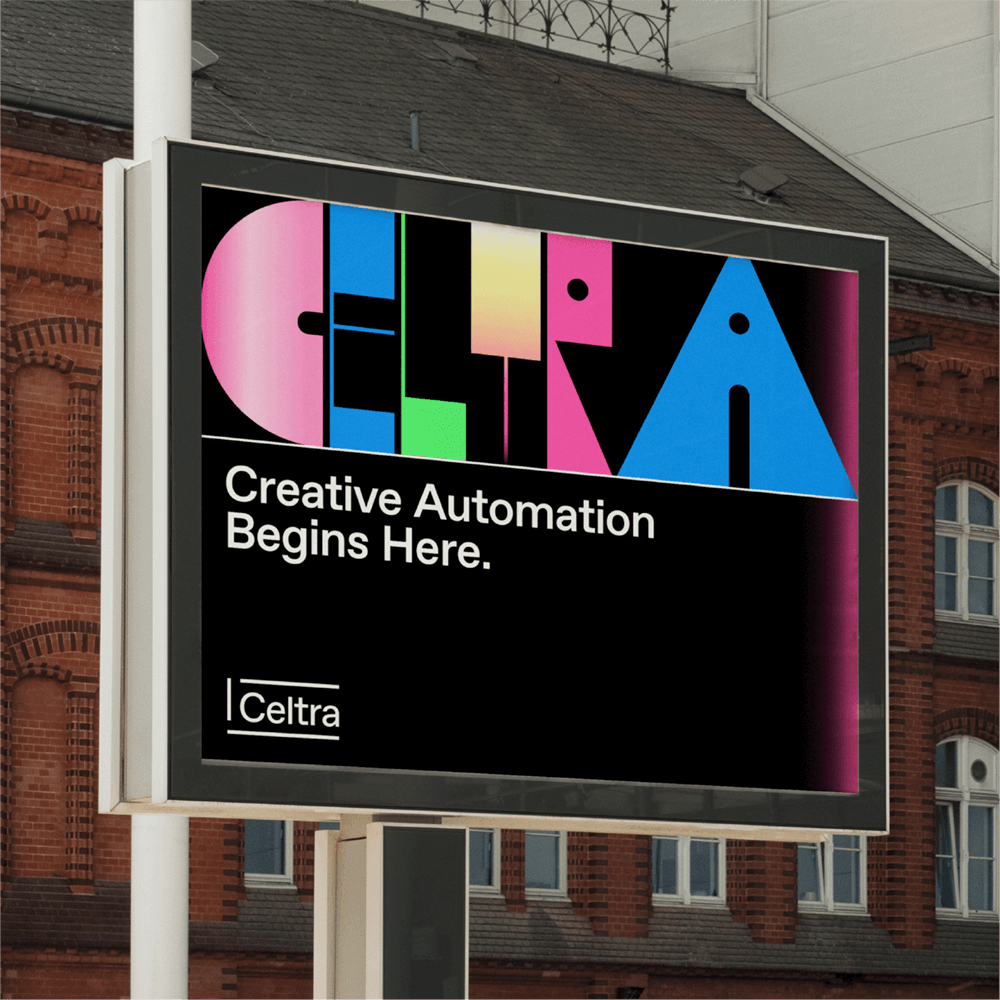
Refer to standard grid & typography rules as defined in the brand book
Gallery